Things · Kubb: Throwing Wood for iPhone
Artifacts
25 files from Kubb: Throwing Wood for iPhone, kept as they were.
The review pictures #
Captures of the app in the iOS simulator on an iPhone 16e, from the pictures its repository keeps for review, with a match made up for them, on November 17 to 19, 2026. You and CPU, Maple and Birch are the pictures’ own names.
-
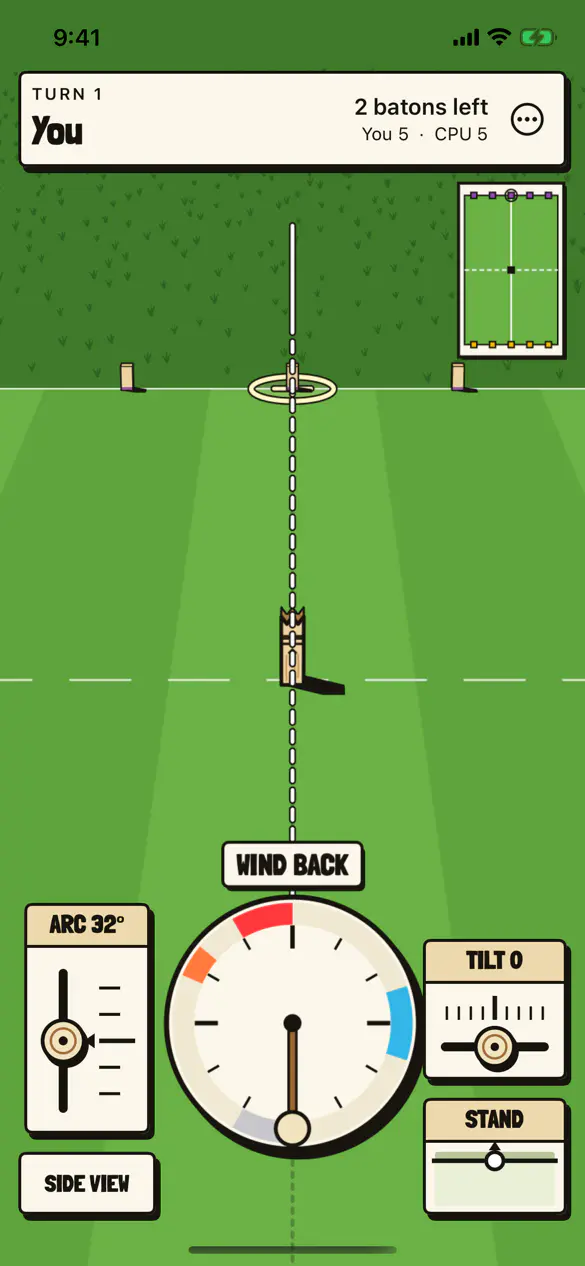
Aiming, with the clock #
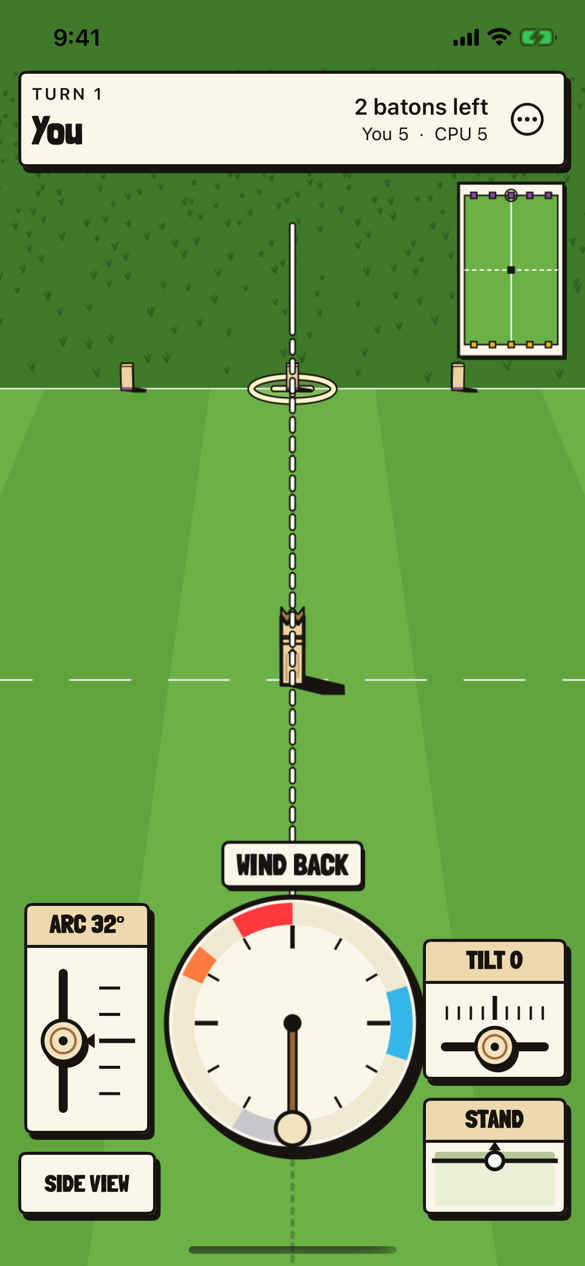
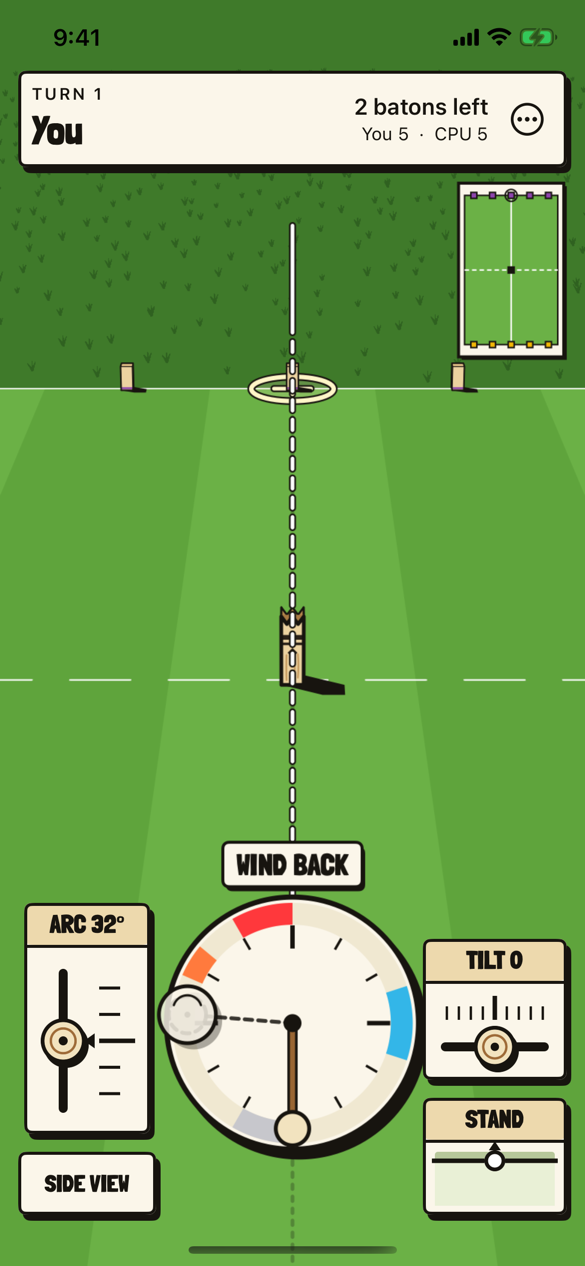
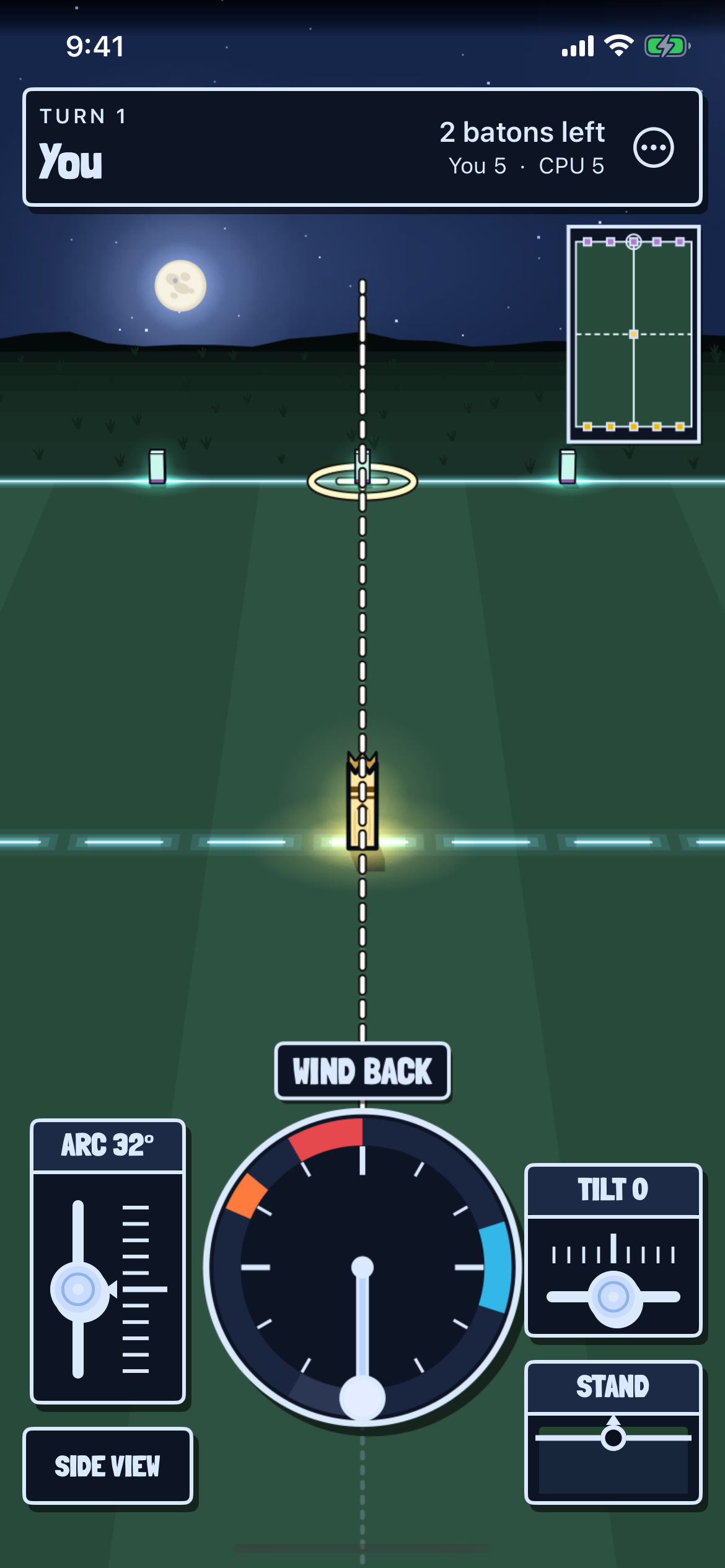
The first turn of a match against the computer. The clock is the meter, wound back on the left and stopped on the blue mark, with ARC and SIDE VIEW on one side of it and TILT and STAND on the other.
-
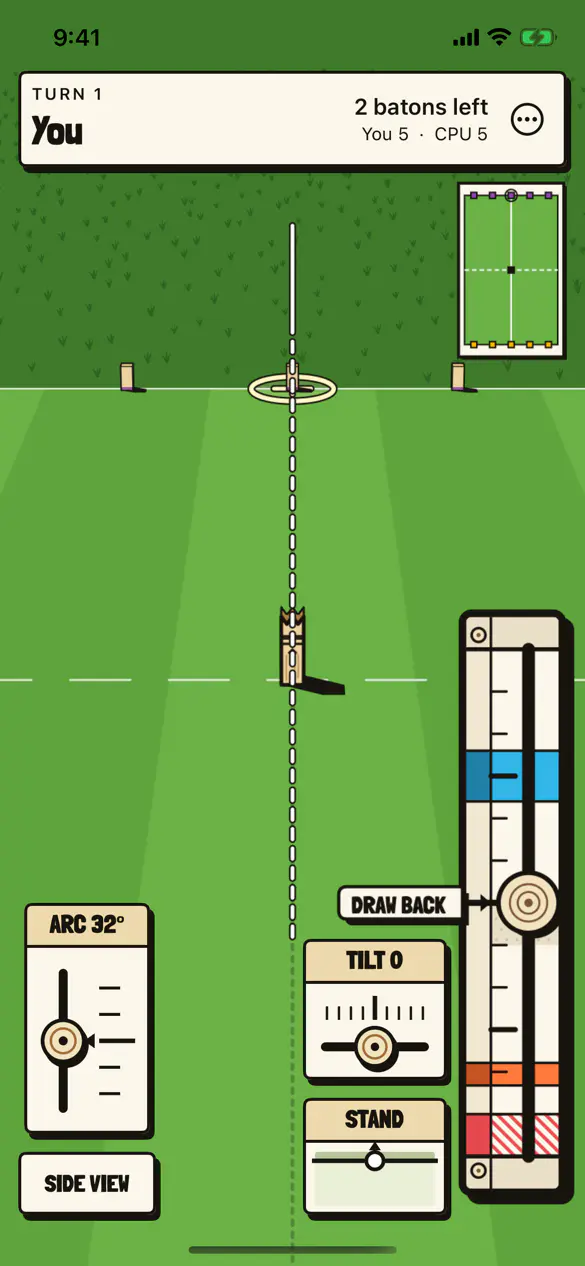
Aiming, with the linear meter #
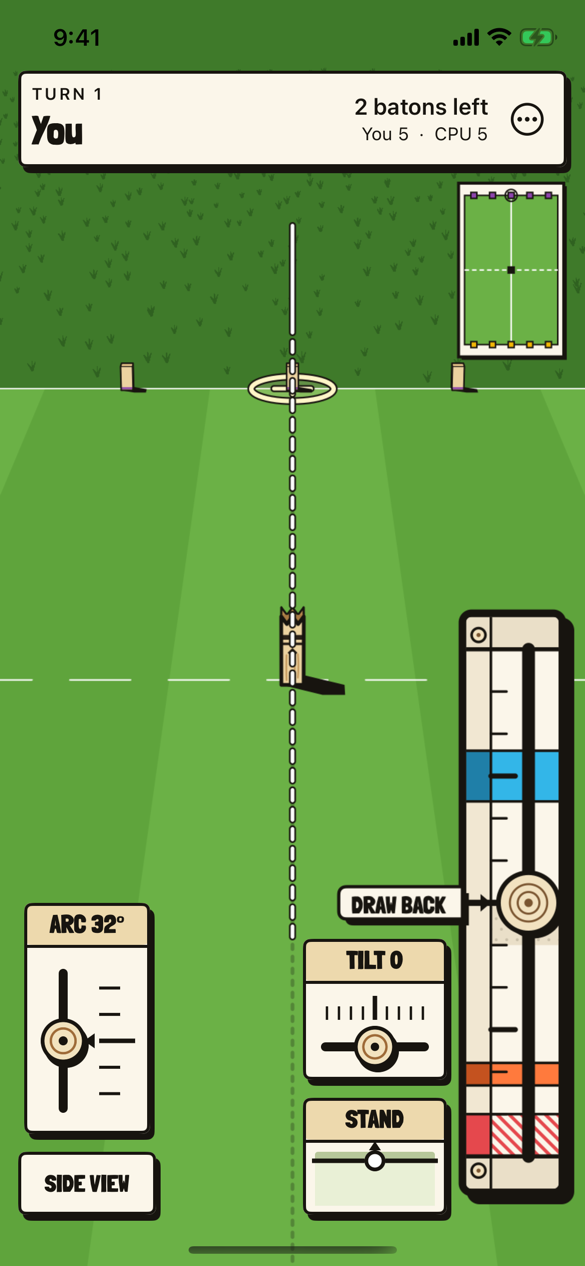
The same throw with the linear meter, the clock unrolled into a track at the screen’s edge. Draw the knob back to the orange mark and fling it up to the blue one. Which meter, and which edge, is the player’s choice in the menu.
-
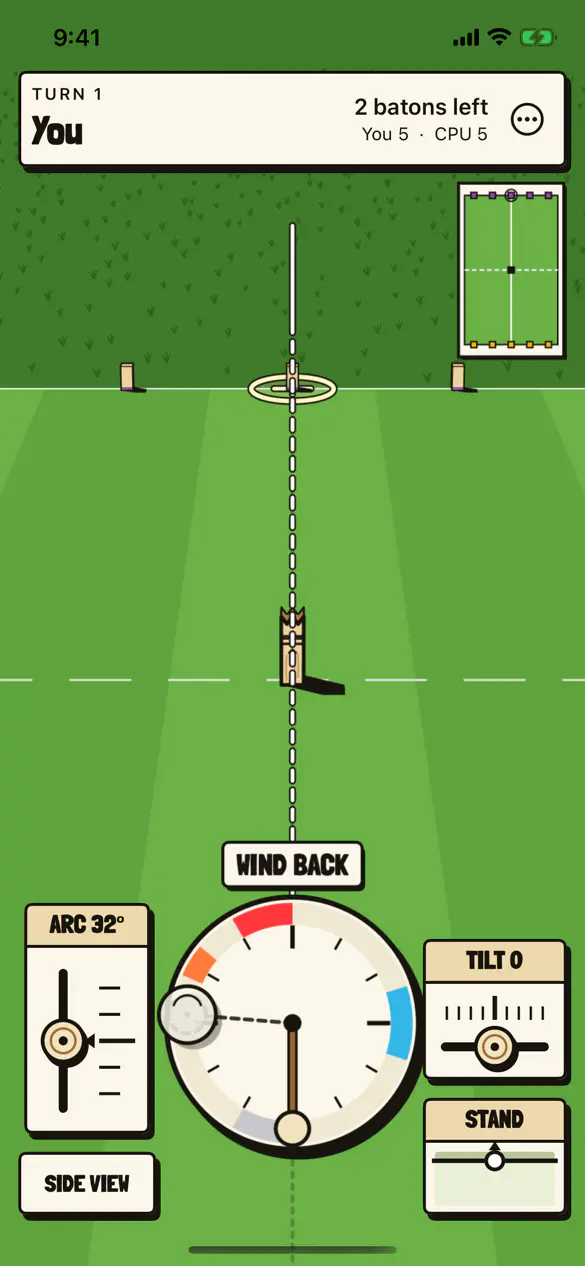
The hint, on the meter #
A player who has not managed a throw is shown one on the meter itself, a ghost of the knob pulling back, holding and flicking, with a ghost fingertip beside the ring where a finger can turn it without covering it.
-
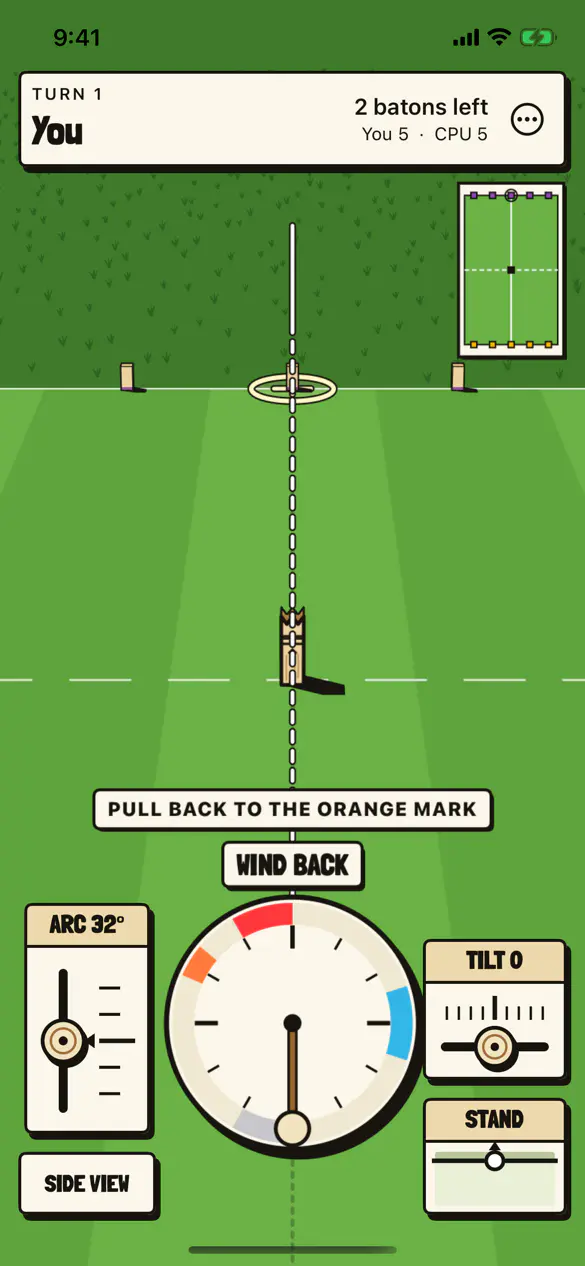
The coach line #
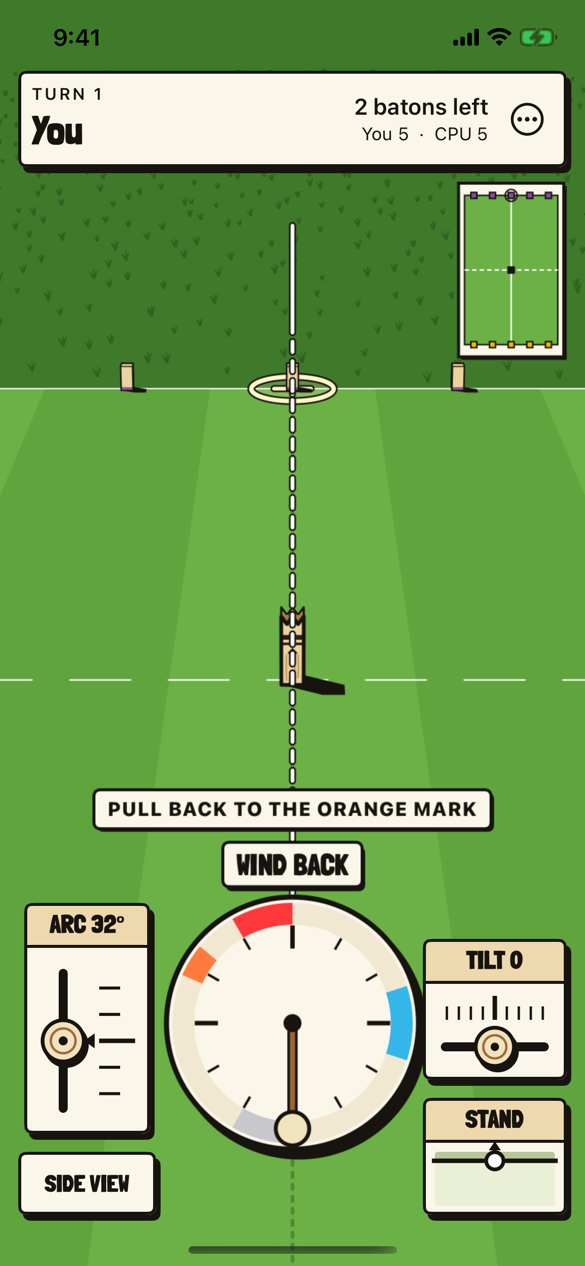
PULL BACK TO THE ORANGE MARK, over the meter’s own WIND BACK, for a phone that has thrown fewer than three times.
-
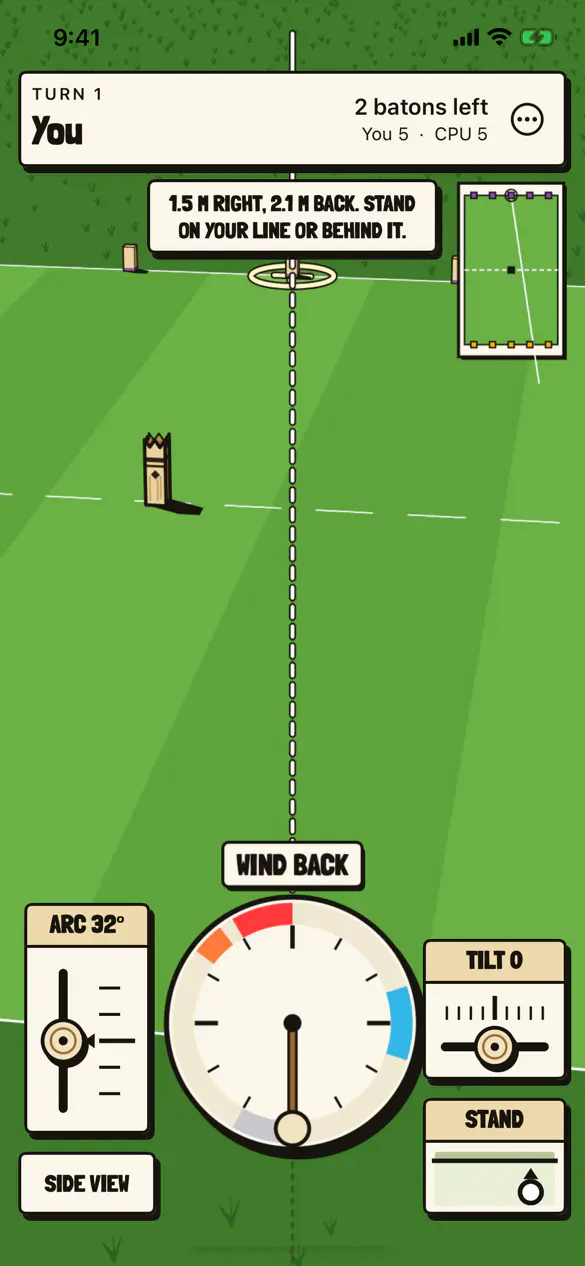
STAND #
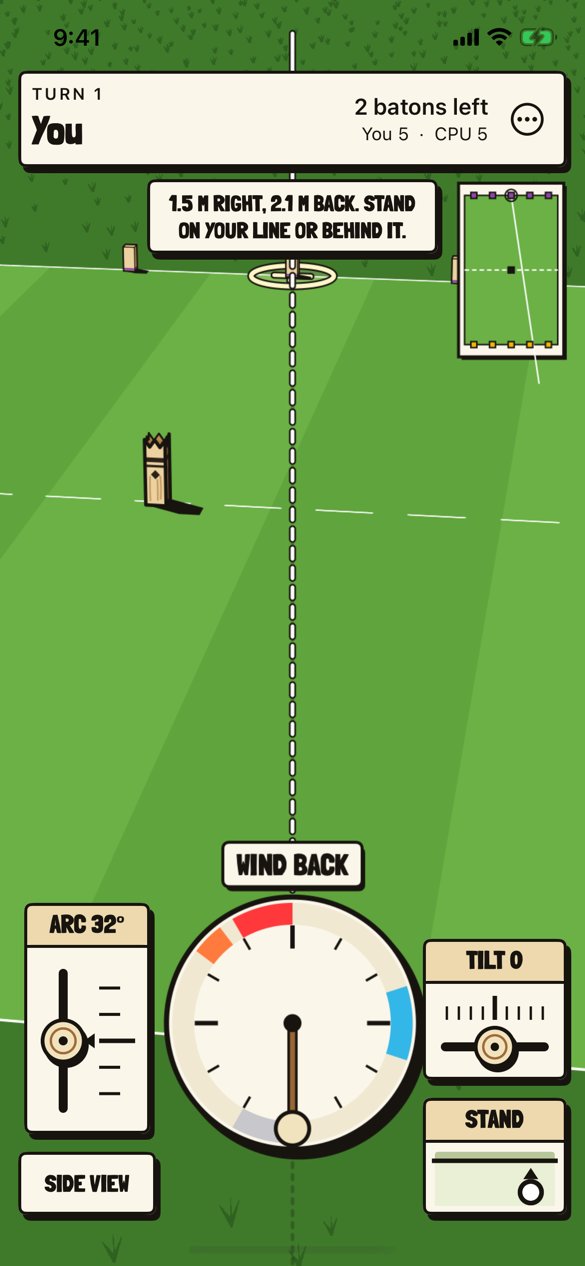
The plate shows the throwing line from above with a ring where the thrower stands. Dragging it moves the thrower, and the caption says where to, 1.5 meters right and 2.1 back here.
-
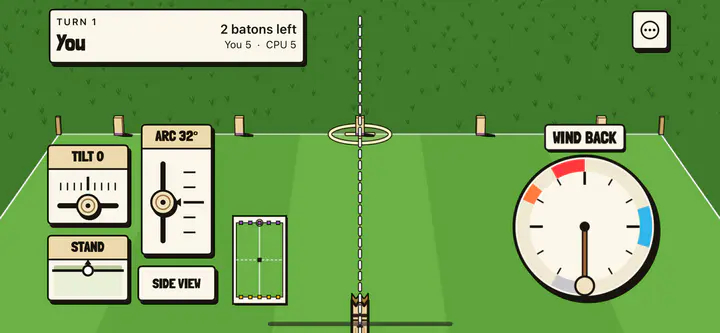
On its side #
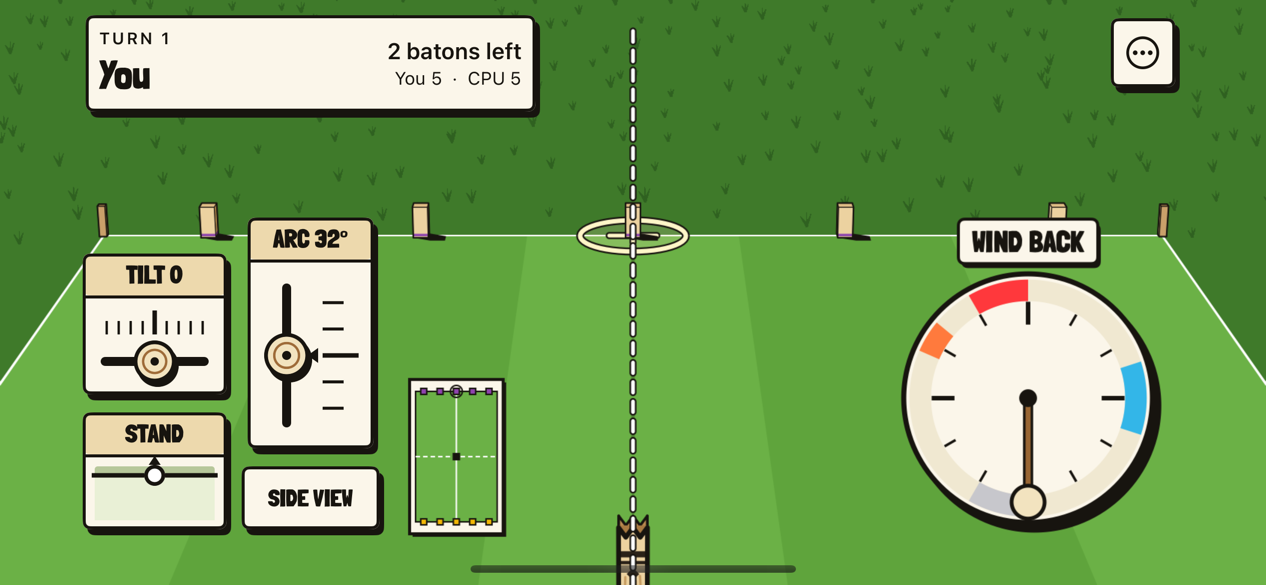
The phone turned on its side lays the match out as the web’s wide screen. TILT, STAND, ARC and SIDE VIEW sit at the far edge for the left hand, and the clock low on the right for the throwing hand.
-
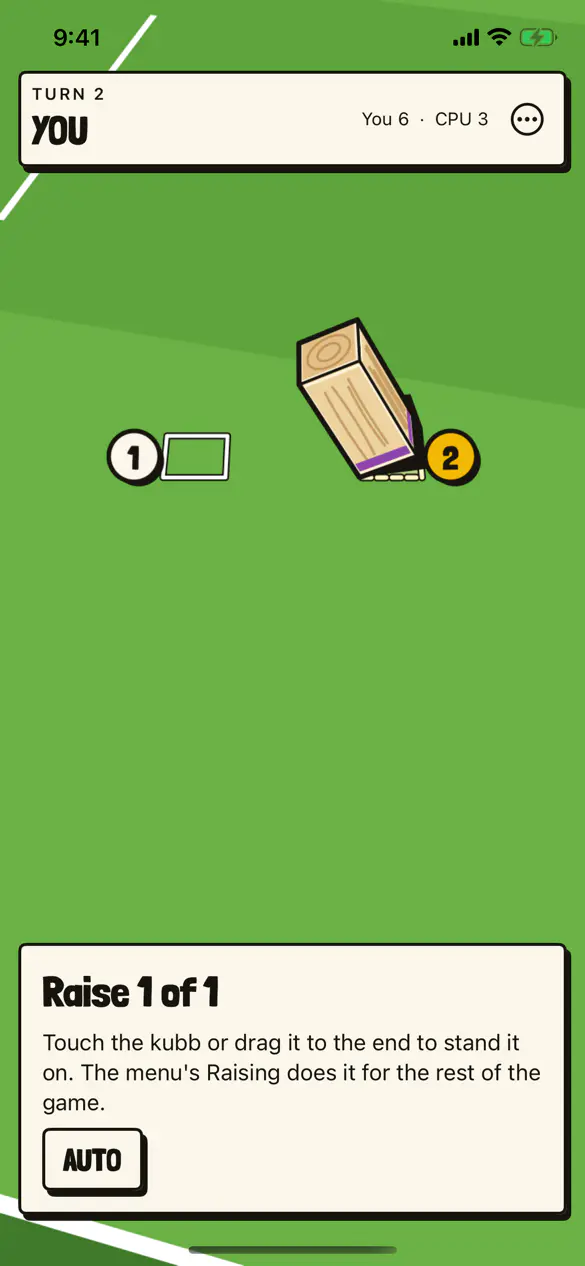
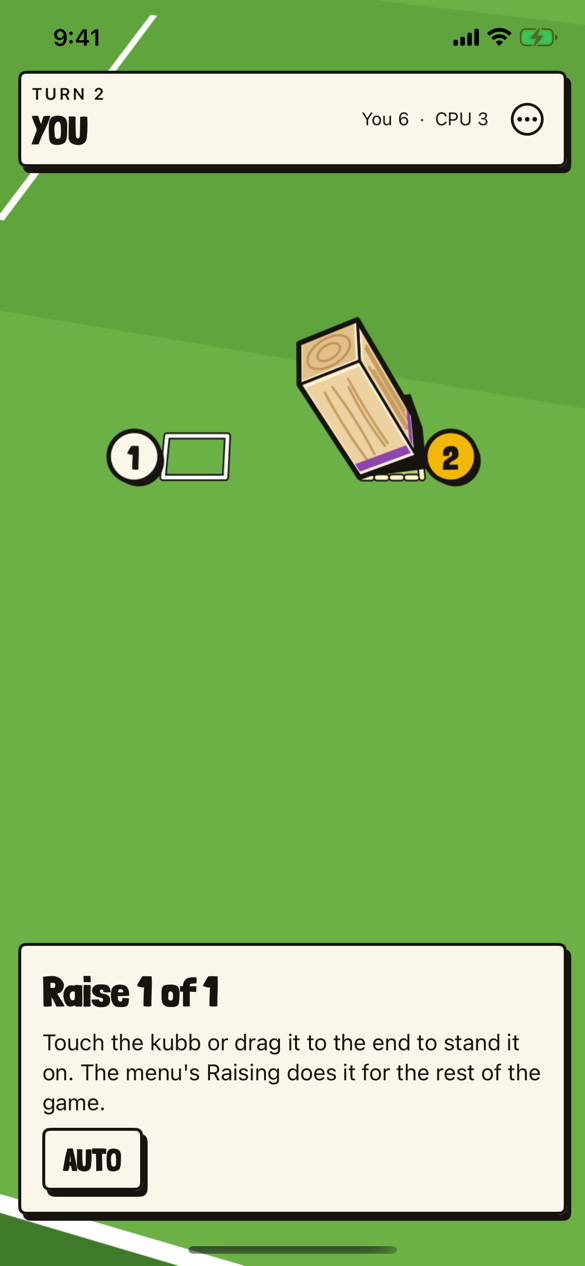
Raising by touch #
A fallen field kubb being raised. Touch it, or drag it toward an end, to stand it there; AUTO lets the engine choose, and the menu’s Raising does it for the rest of the game.
-
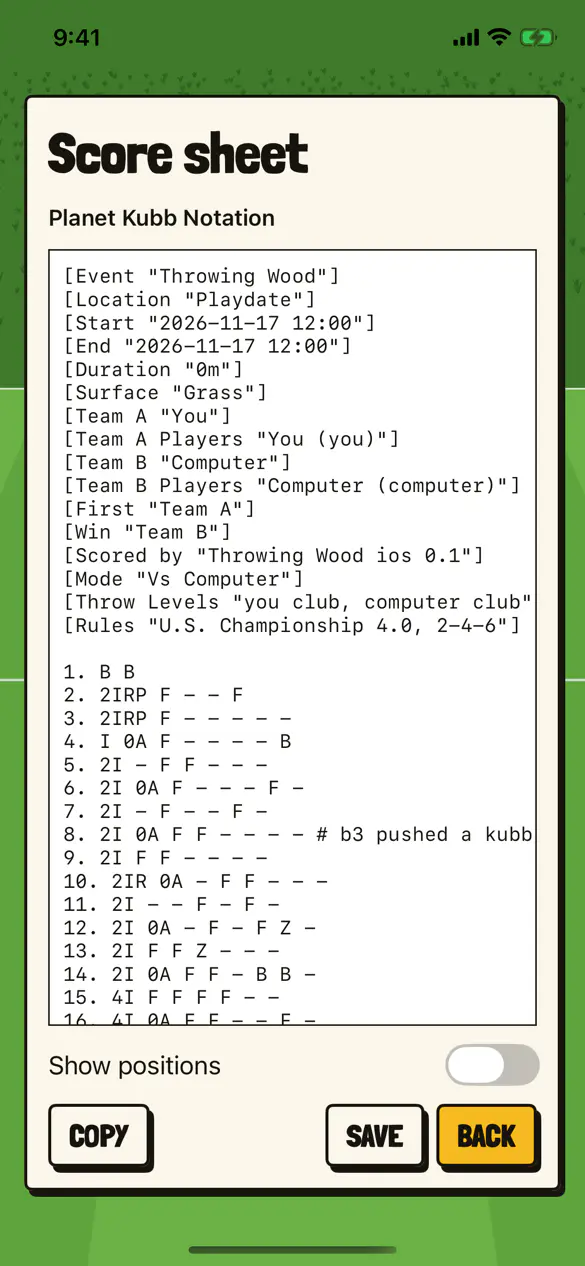
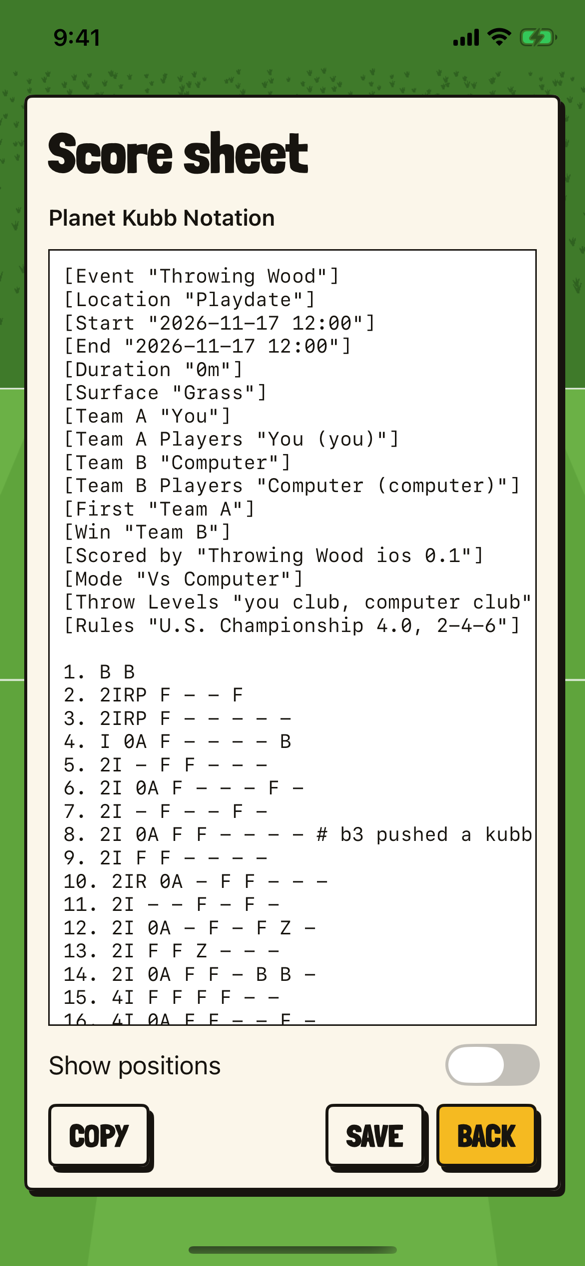
The score sheet #
A finished match against the computer in Planet Kubb Notation, written by the engine. Each team here is one player, so the throws carry no player’s name.
-
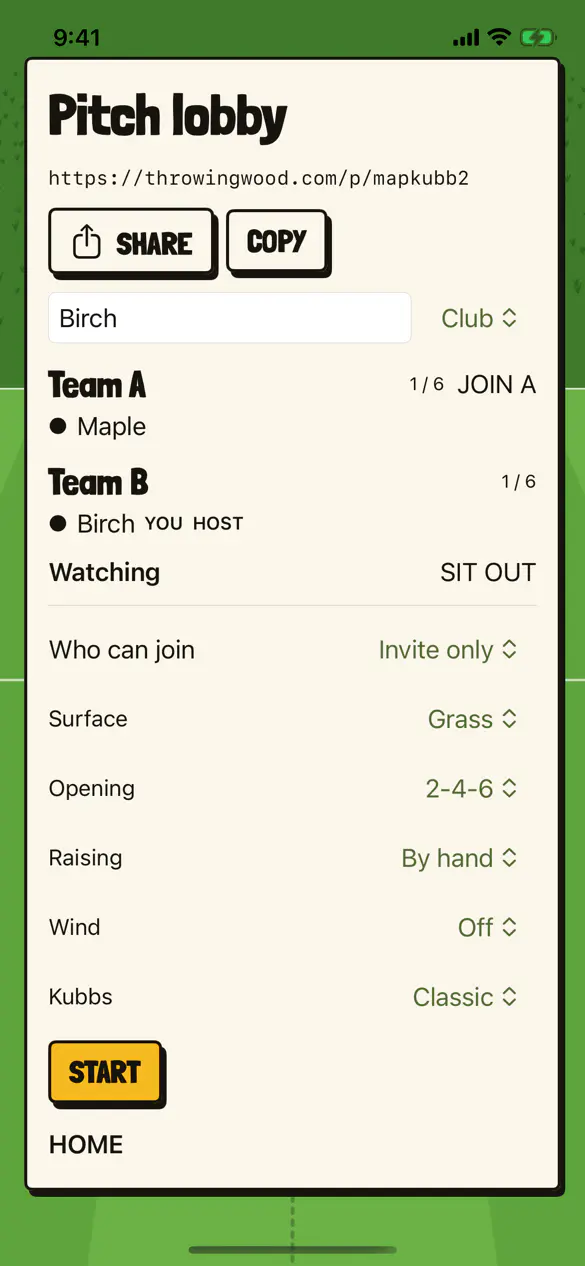
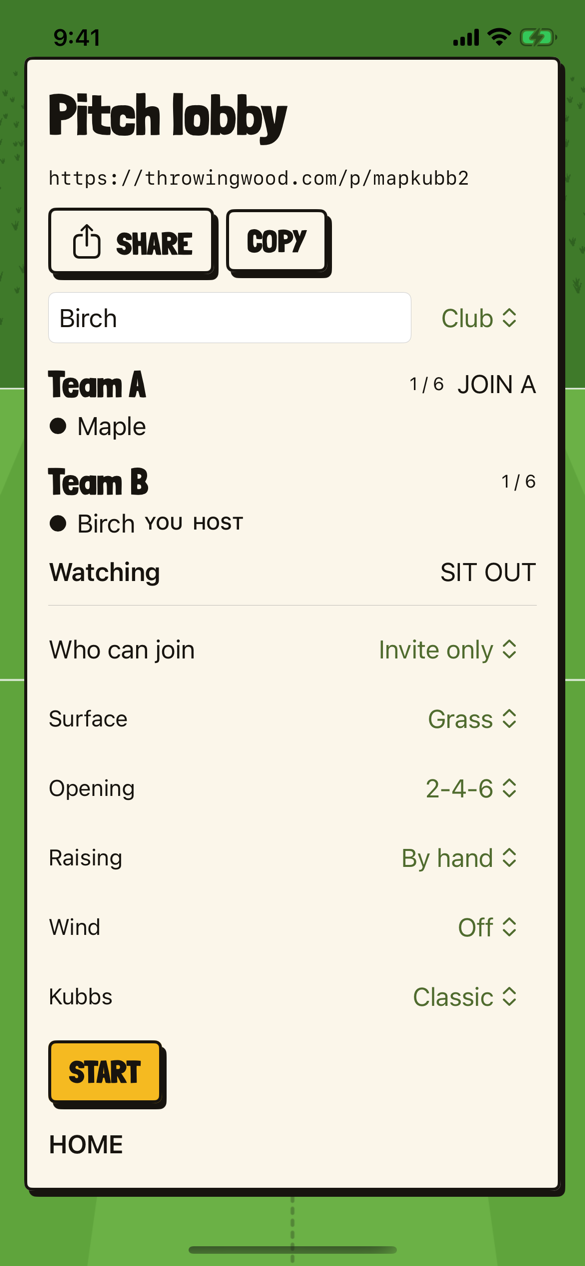
A pitch lobby #
A shared pitch at its own throwingwood.com link, with SHARE and COPY to send it, a team each side, and the match’s surface, opening, raising, wind and kubbs.
-
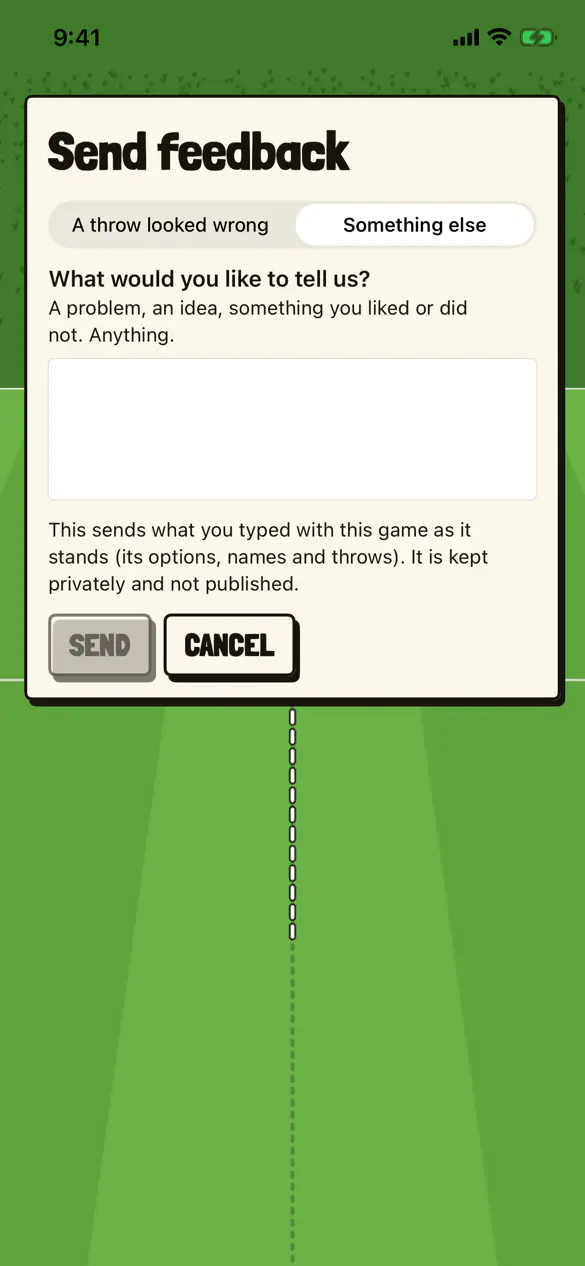
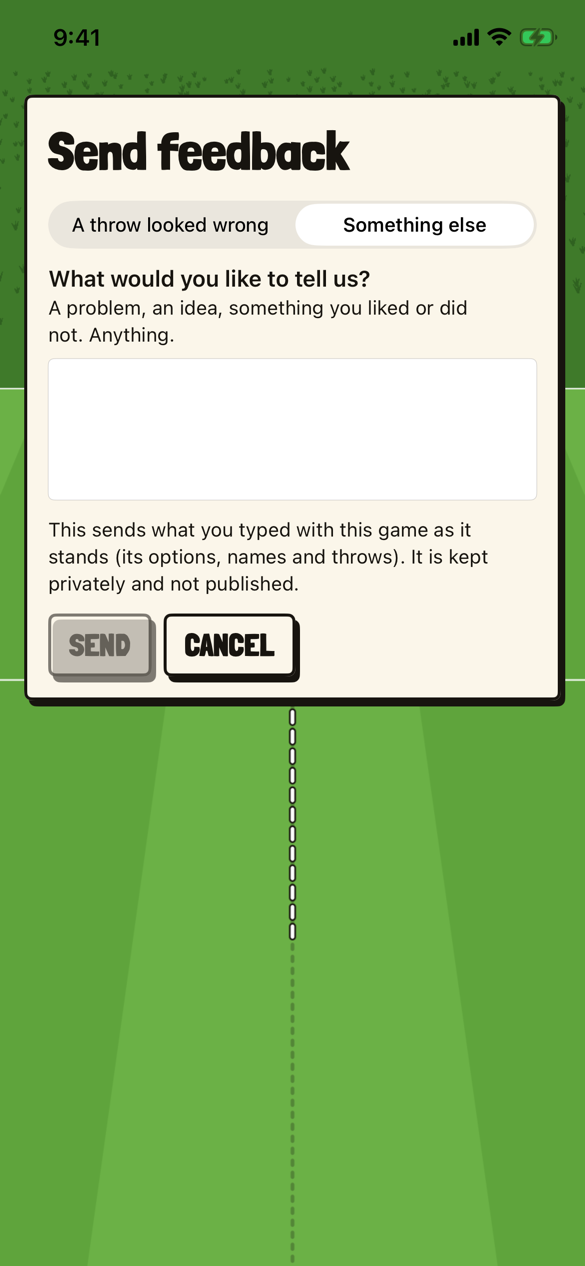
Send feedback #
The card that sends a report about a throw that looked wrong, or anything else, in one box. It says what goes with it, and that it is kept privately.
On an iPad #
Captures of the app in the simulator on an iPad mini and an iPad Pro 13-inch, full screen, from the pictures its repository keeps for review, with a match made up for them, on November 19, 2026. You and CPU are the pictures’ own names.
-
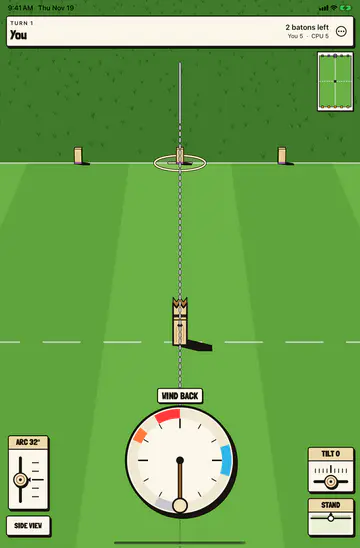
An iPad mini, upright #
The first turn of a match against the computer on an iPad mini held upright. It is the phone’s upright layout with more pitch around it, the clock in the middle, ARC and SIDE VIEW on one side and TILT and STAND on the other.
-
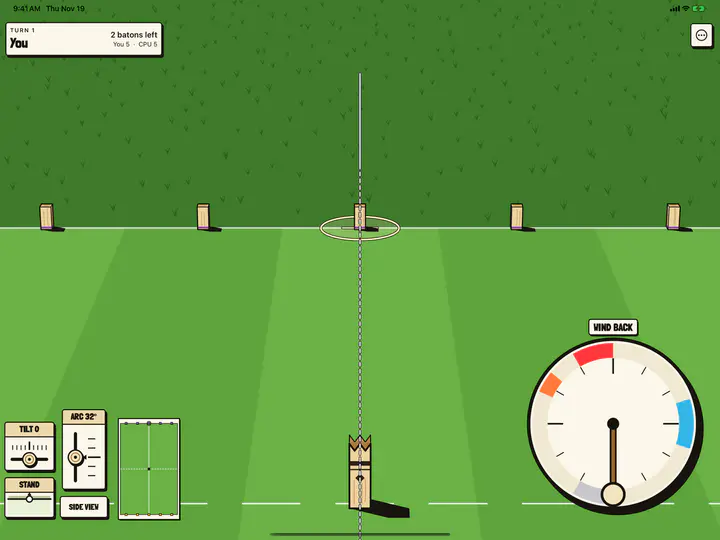
An iPad Pro 13-inch, on its side #
The first turn again, on an iPad Pro 13-inch on its side, in the web’s wide layout. The clock grows with the screen, low on the right for the throwing hand, and TILT, STAND, ARC and SIDE VIEW sit at the far left with the minimap beside them.
-
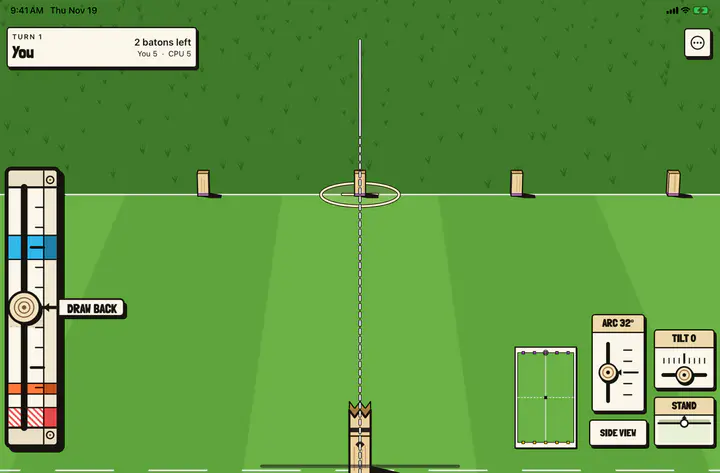
The linear meter on the left #
An iPad mini on its side with the linear meter chosen at the left edge, at its full length, and the plan’s controls mirrored to the far right.
-
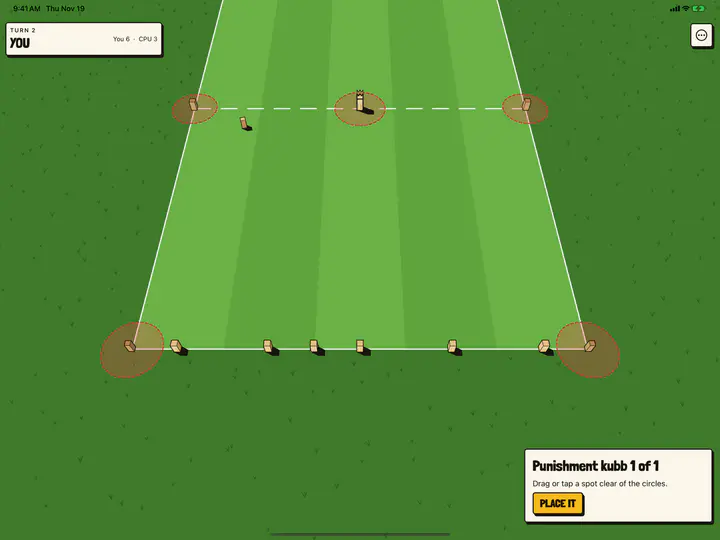
A punishment kubb #
Placing a punishment kubb on an iPad Pro 13-inch on its side. The card keeps the web’s width in the corner instead of stretching across the screen; drag or tap a spot clear of the red circles, then PLACE IT.
A highlight reel, and version 0.3 #
Captures of the app in the iOS simulator on an iPhone 16e, from the pictures its repository keeps for review, with matches made up for them. The reel card is from the night of November 19, 2026, and in TestFlight since build 113; the other three are version 0.3 on engine 0.9.0, on the app’s main branch on November 20 and uploaded to TestFlight that afternoon as build 132. You, CPU, North and South are the pictures’ own names.
-
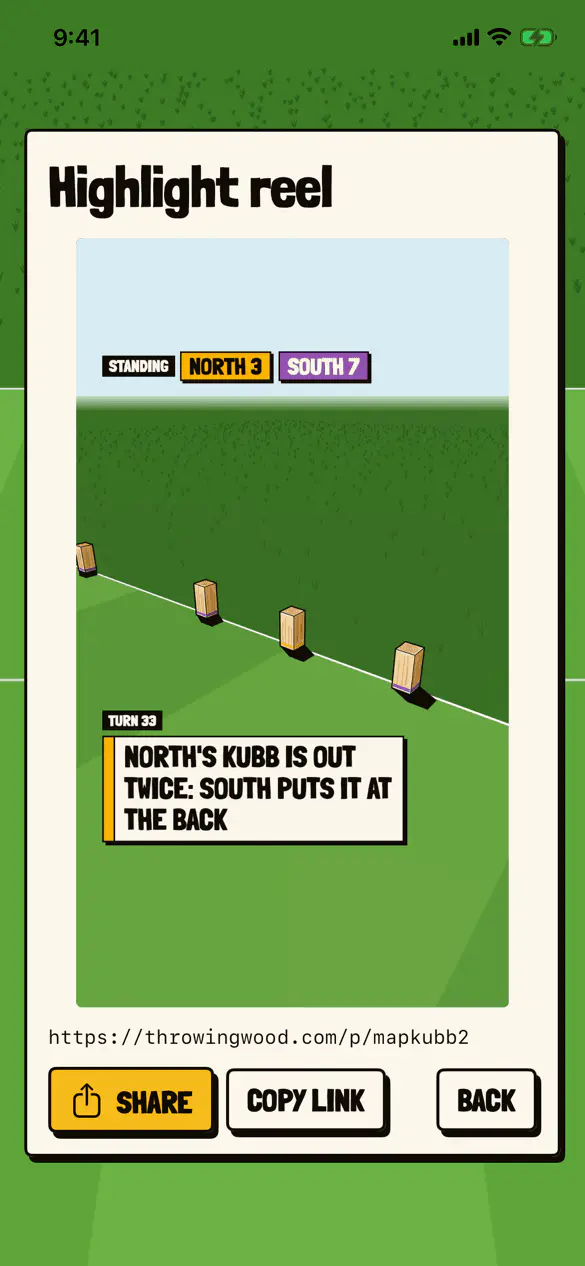
A highlight reel #
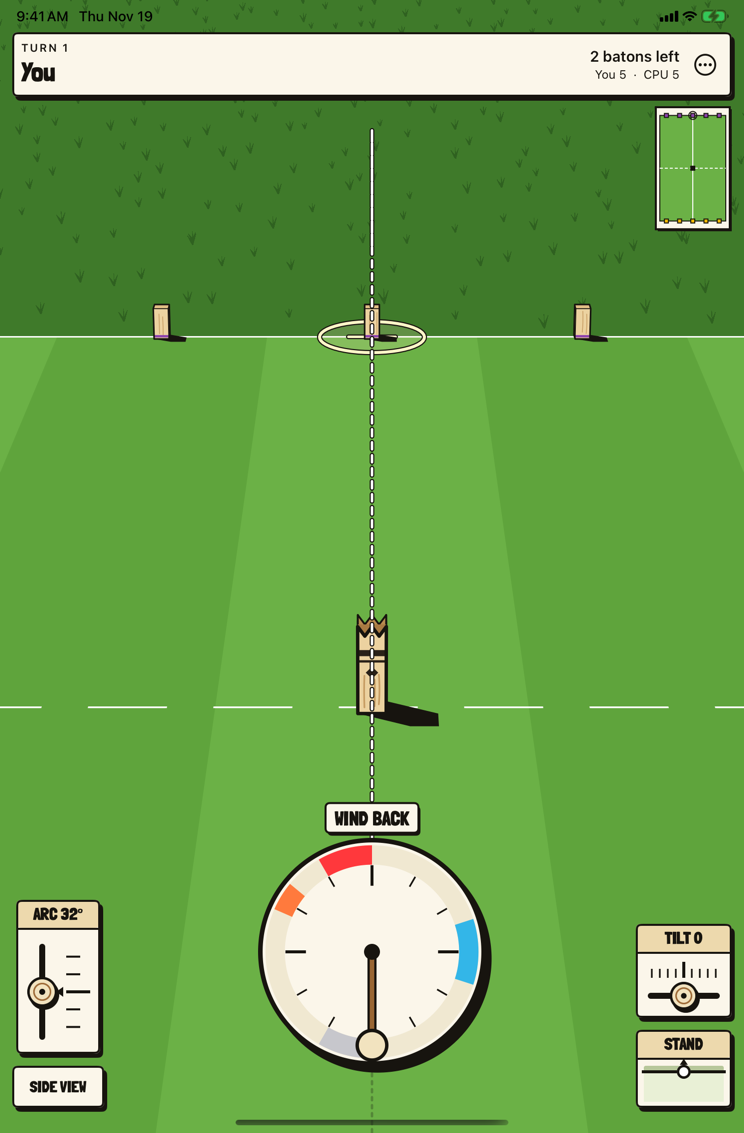
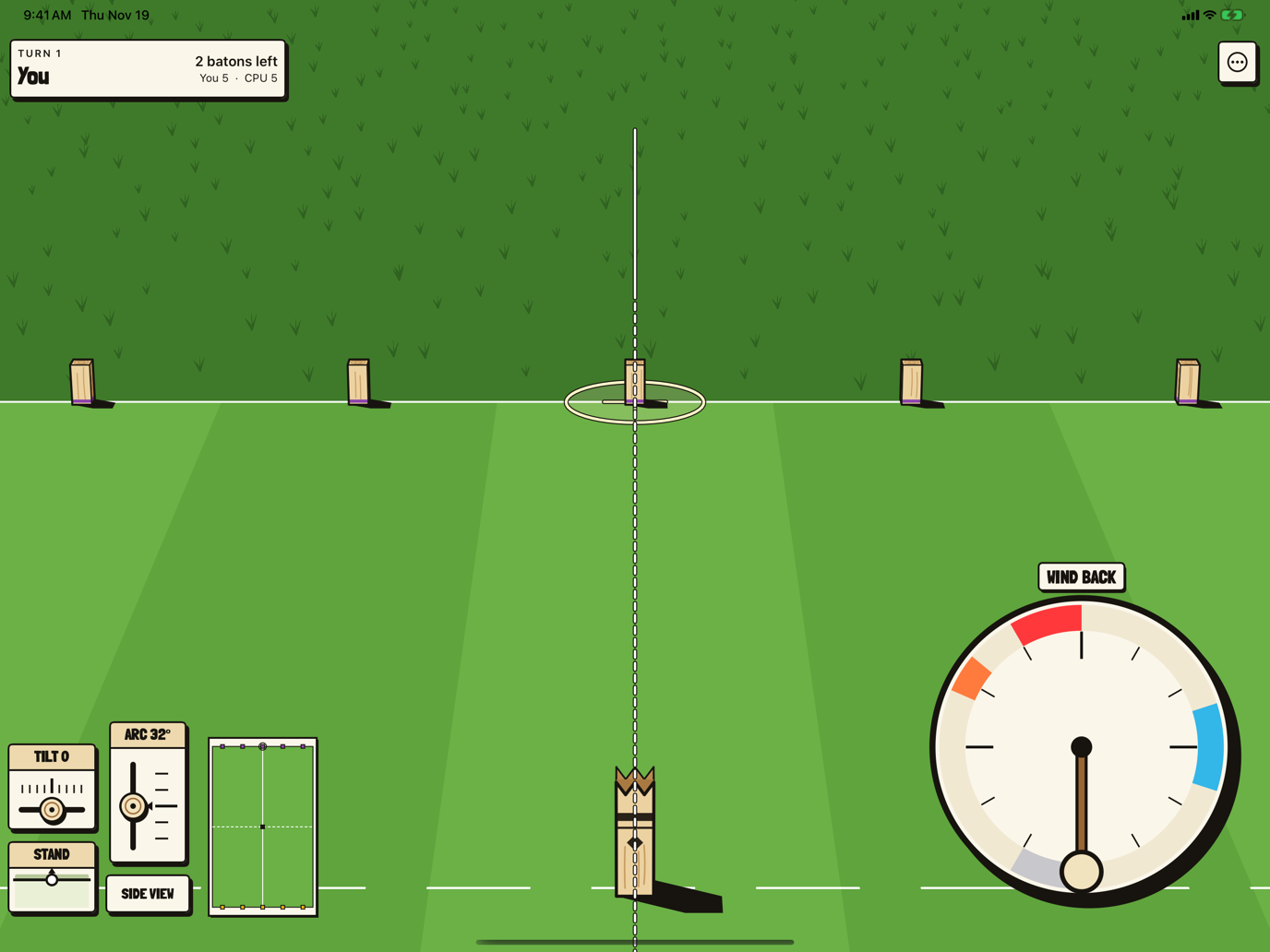
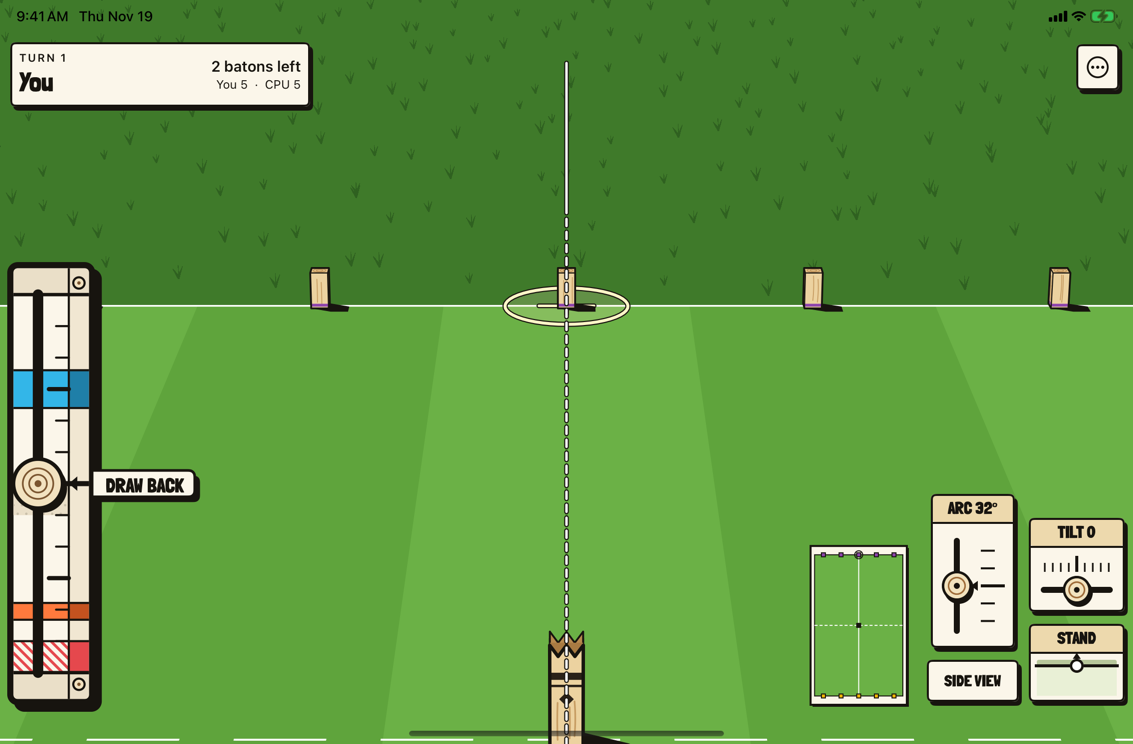
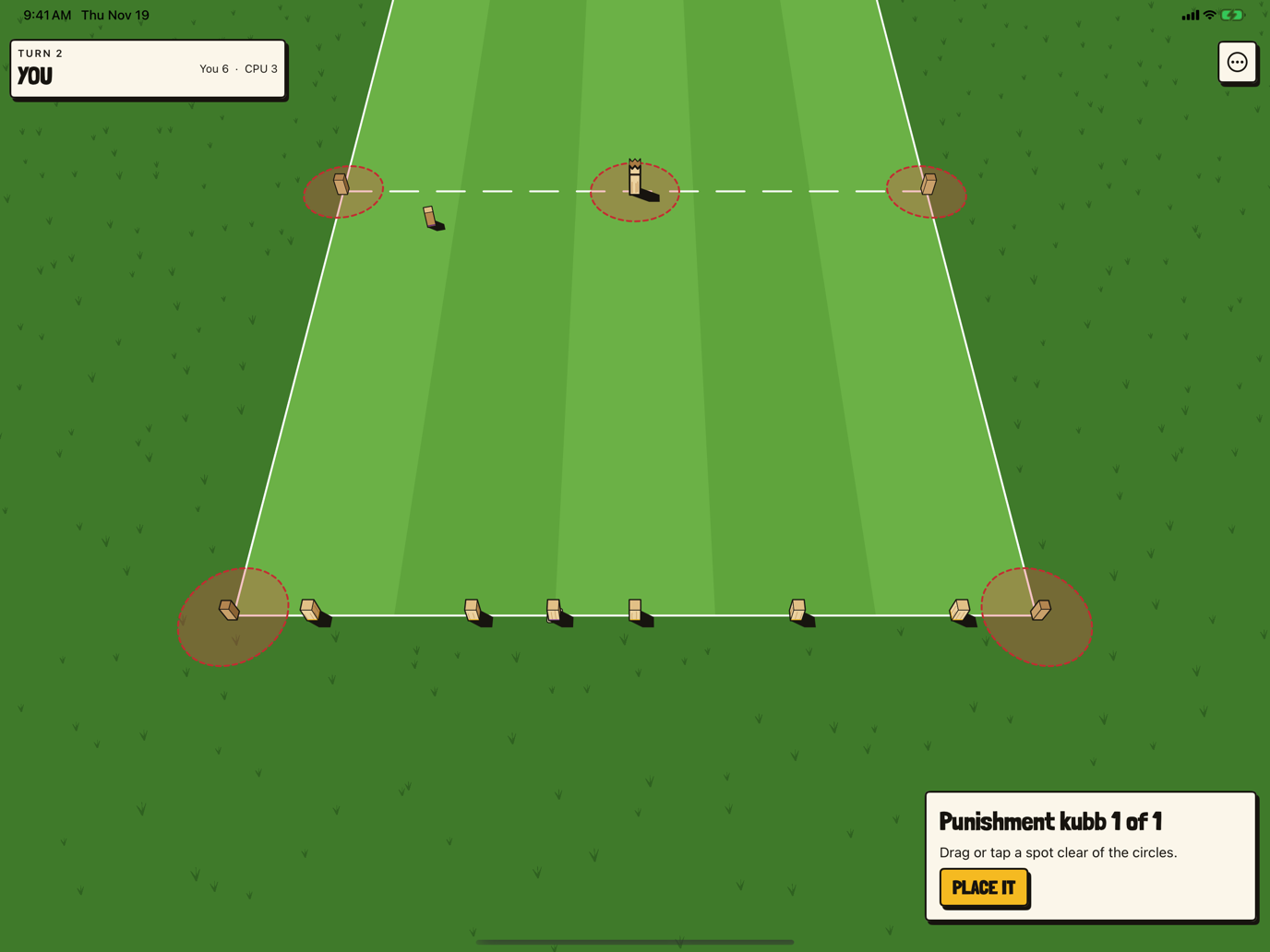
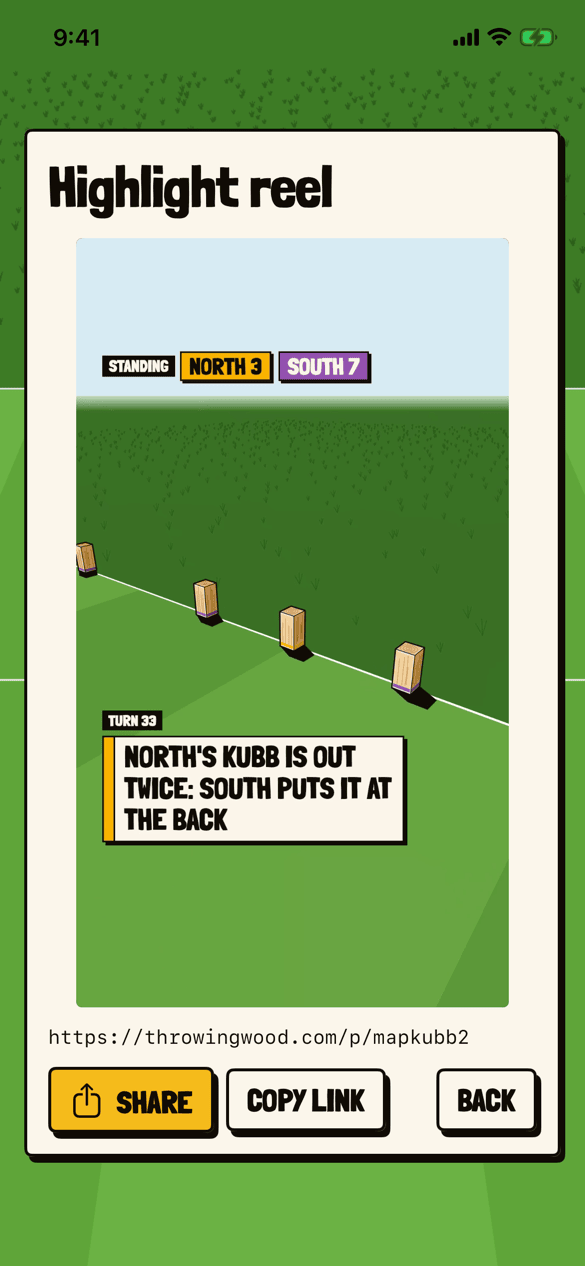
The card for a finished match’s reel, playing it: TURN 33, “NORTH’S KUBB IS OUT TWICE: SOUTH PUTS IT AT THE BACK”, with the match’s link, SHARE, COPY LINK and BACK.
-
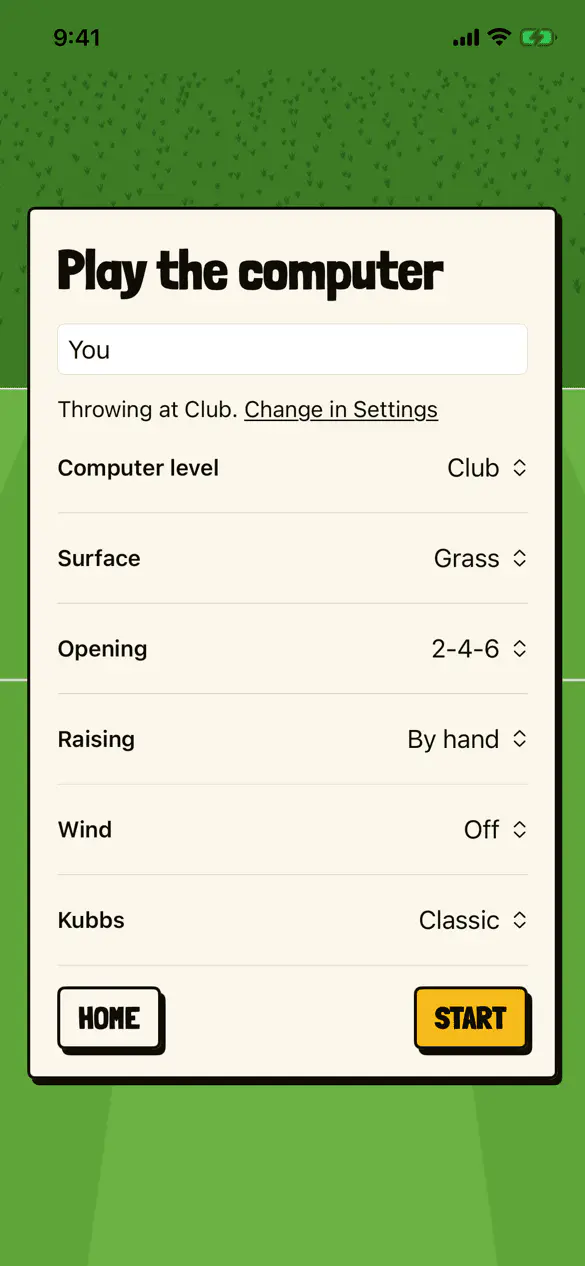
The computer’s level, for the match #
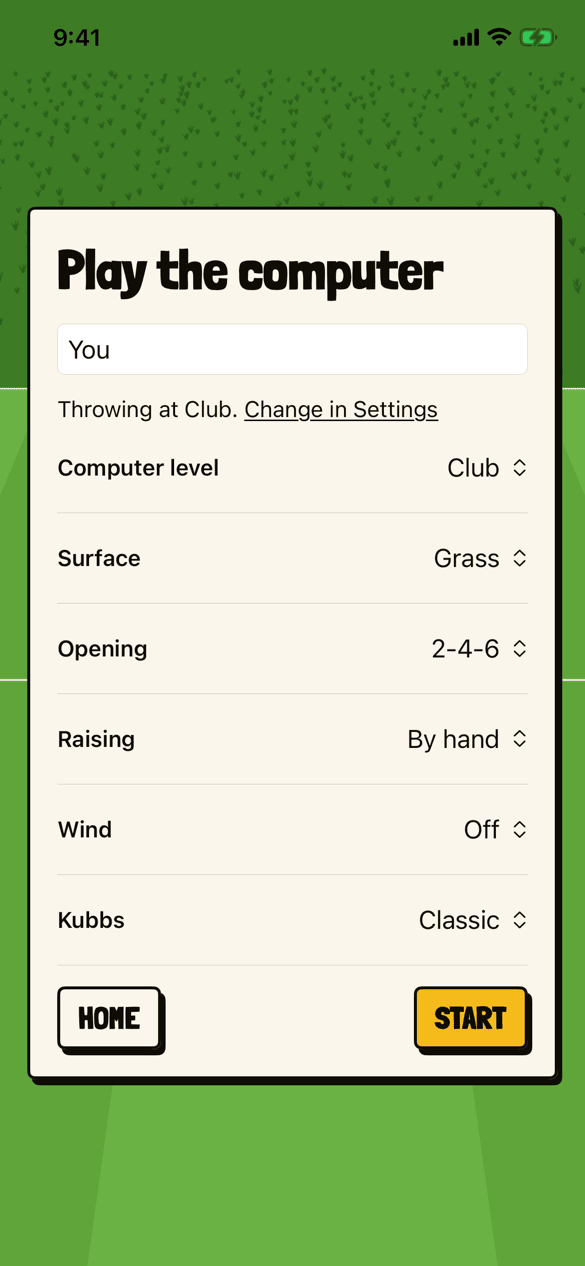
Play the computer on version 0.3. Computer level is a row of the match, beside surface, opening, raising, wind and kubbs, and the player’s own level is one line above it: “Throwing at Club. Change in Settings.”
-
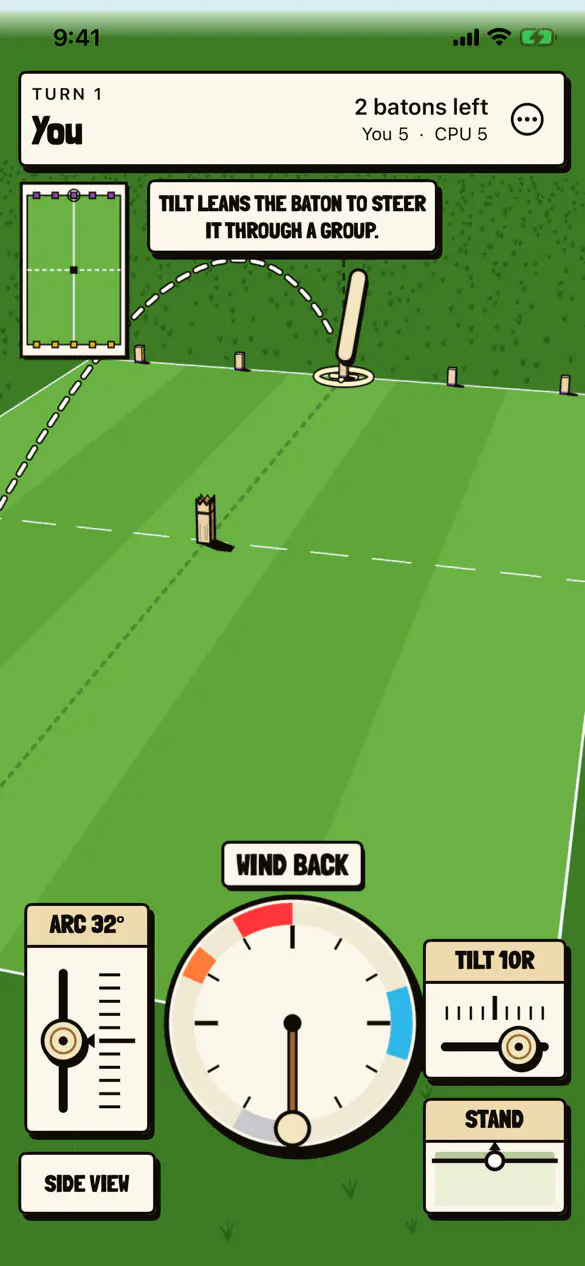
A slider that stops anywhere #
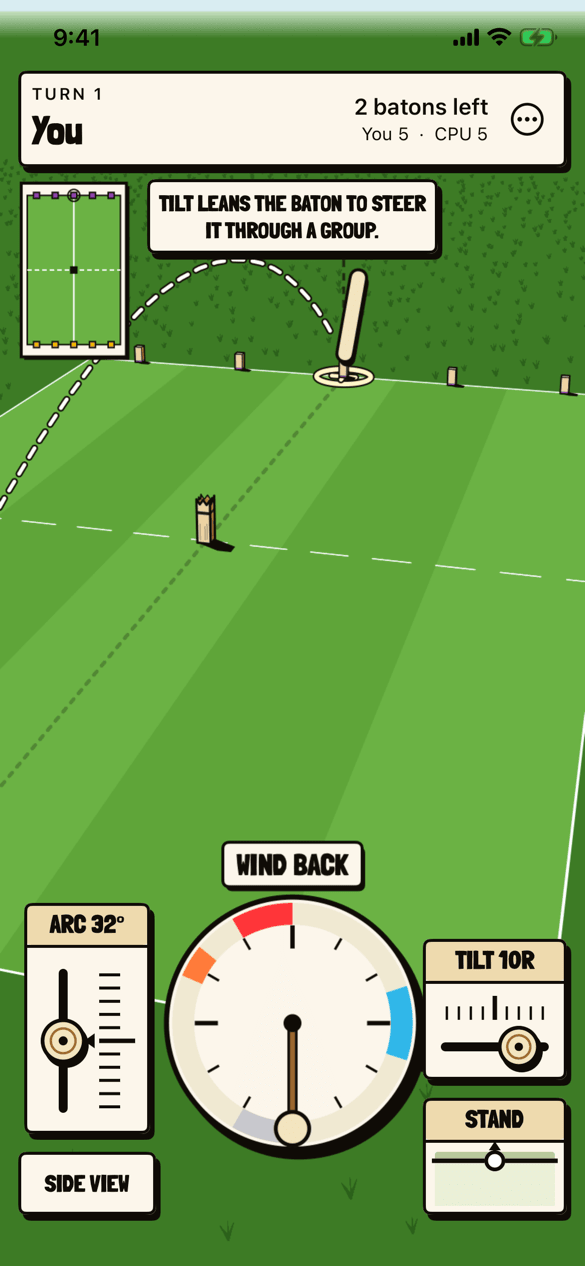
TILT 10R, a value between the ticks, and ARC 32°, with the hint TILT LEANS THE BATON TO STEER IT THROUGH A GROUP.
-
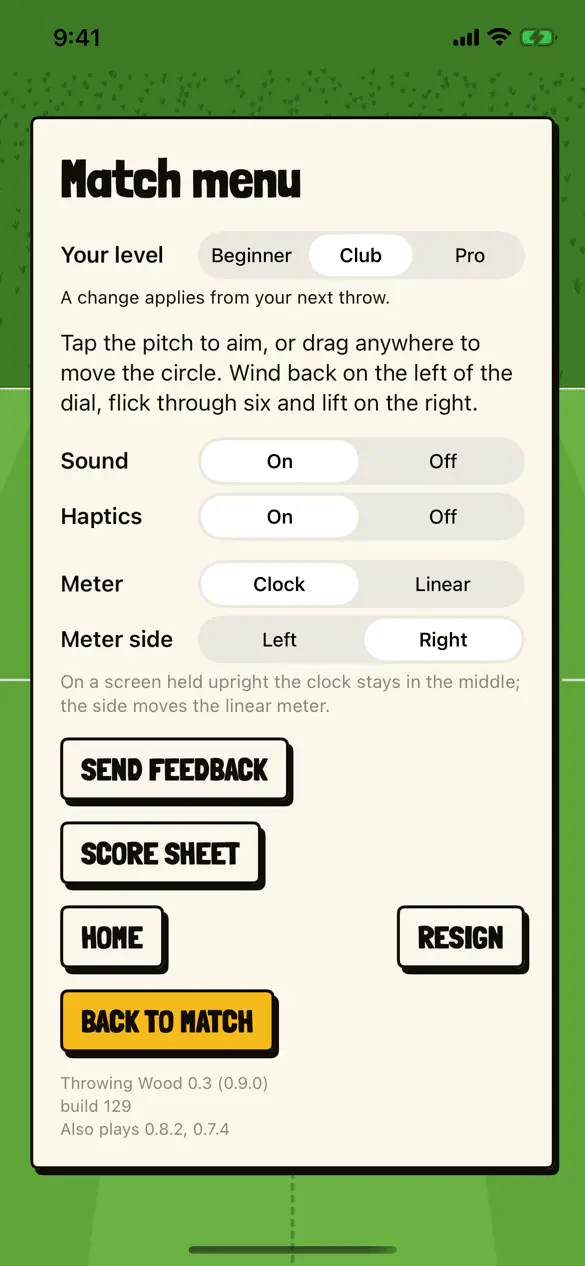
The match menu, and its version #
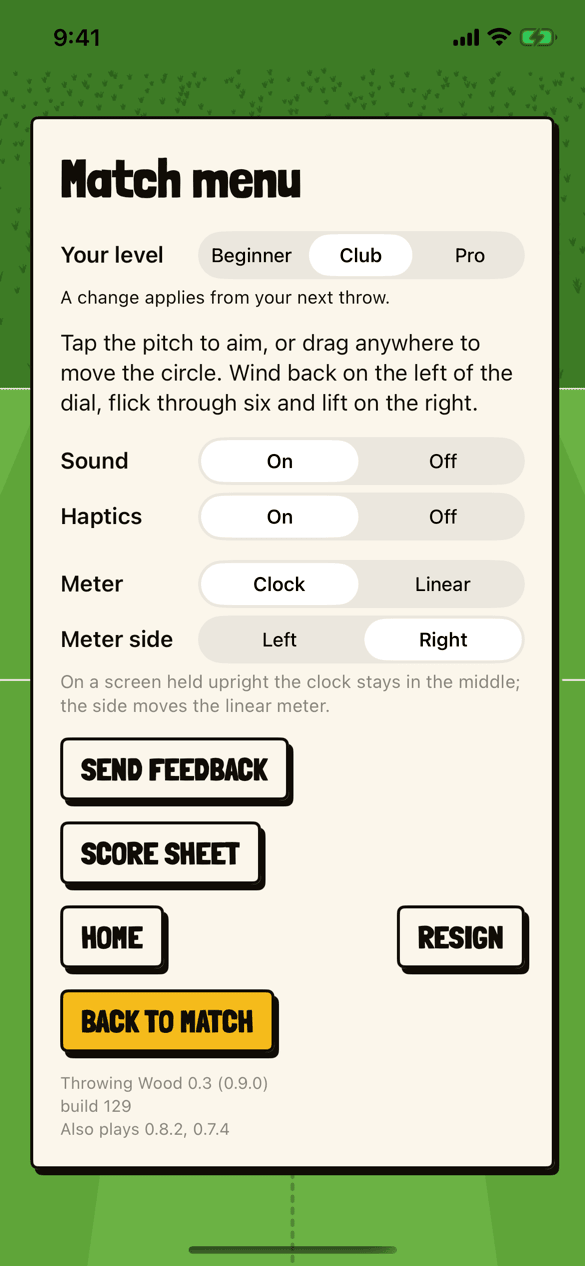
Your level, sound, haptics, the meter and its side, then SEND FEEDBACK, SCORE SHEET, HOME, RESIGN and BACK TO MATCH. At the foot, Throwing Wood 0.3 (0.9.0), then build 129, then “Also plays 0.8.2, 0.7.4”.
Night and Neon, in version 0.4 #
Captures of the app in the iOS simulator on an iPhone 16e, from the pictures its repository keeps for review, with a match made up for it, on the evening of November 20, 2026, at version 0.4, which testers have had since build 144. You and CPU are the pictures’ own names.
-
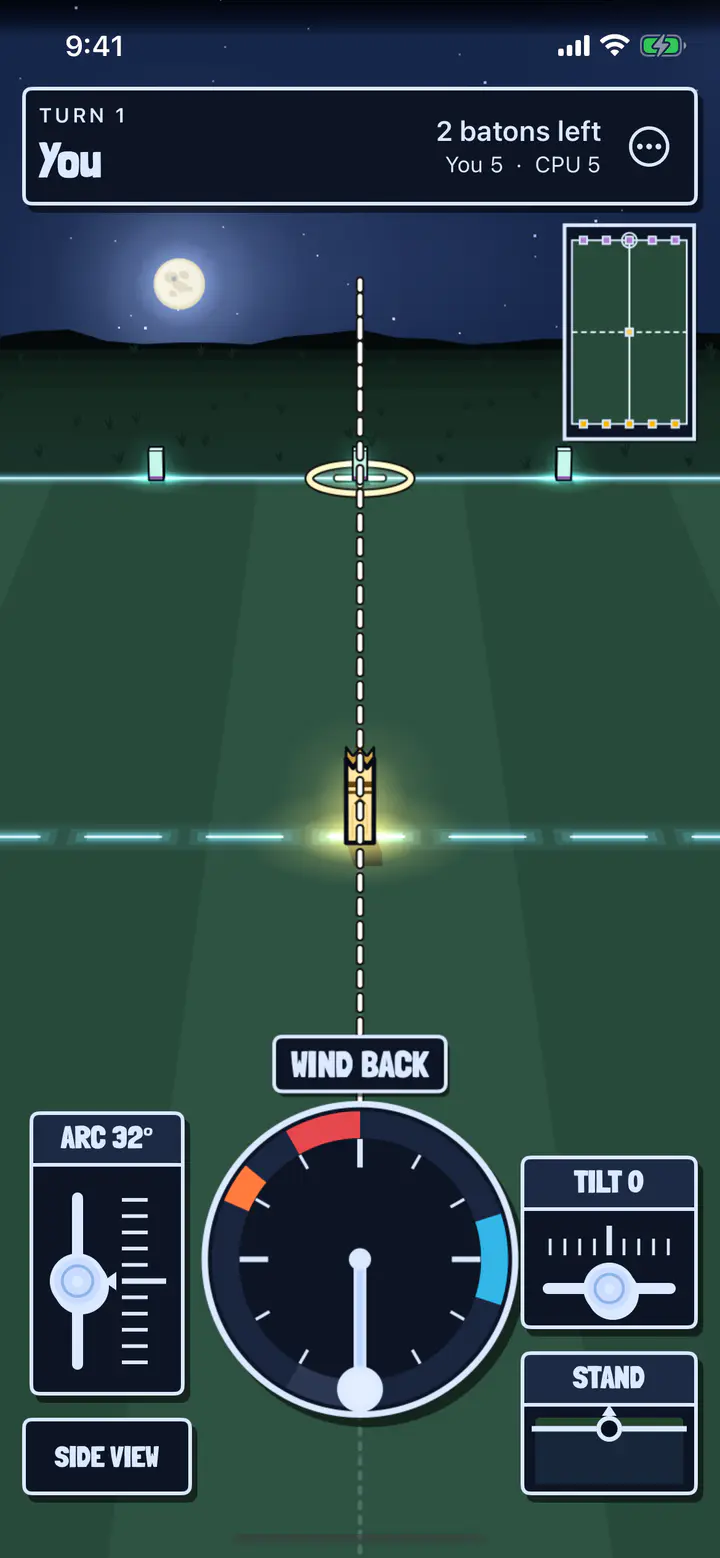
Aiming at Night #
The first turn of a match against the computer at Night, under a full moon and stars. The baselines glow pale green, the king is lit at the center, and the clock, the sliders and the score bar are dark to match.
-
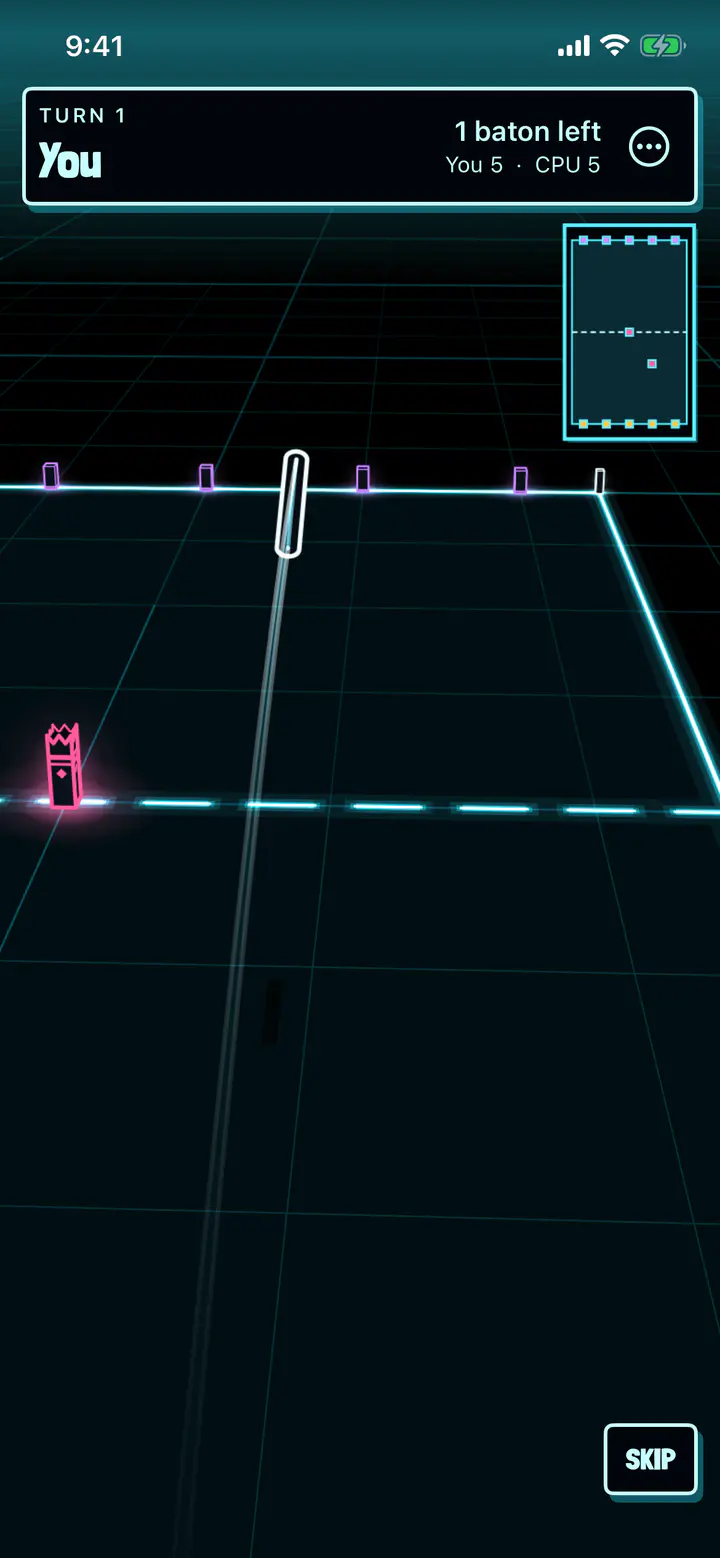
A baton in Neon #
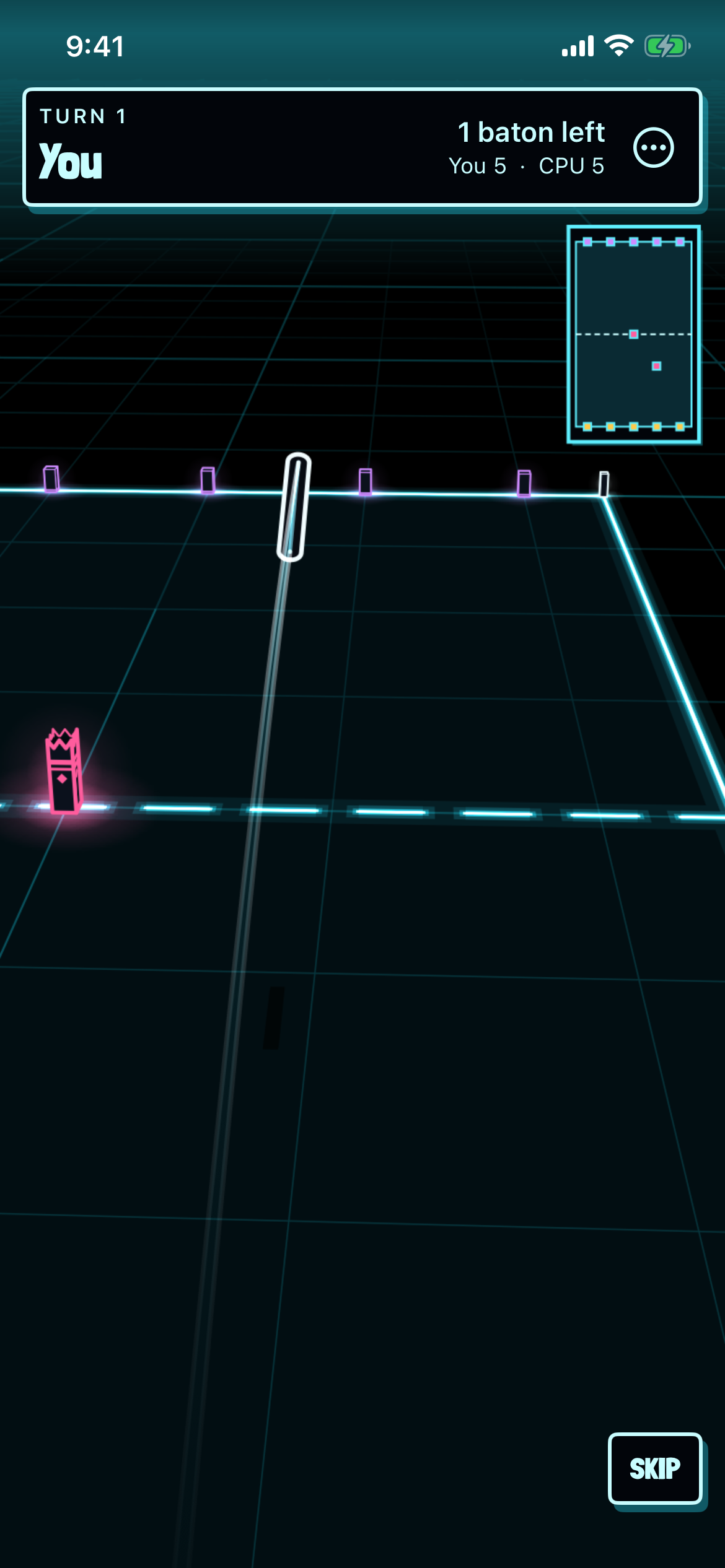
A baton in flight in Neon, a white outline over a black world on a grid of faint blue lines, toward base kubbs edged in violet, with the king in pink. SKIP is low on the right.
-
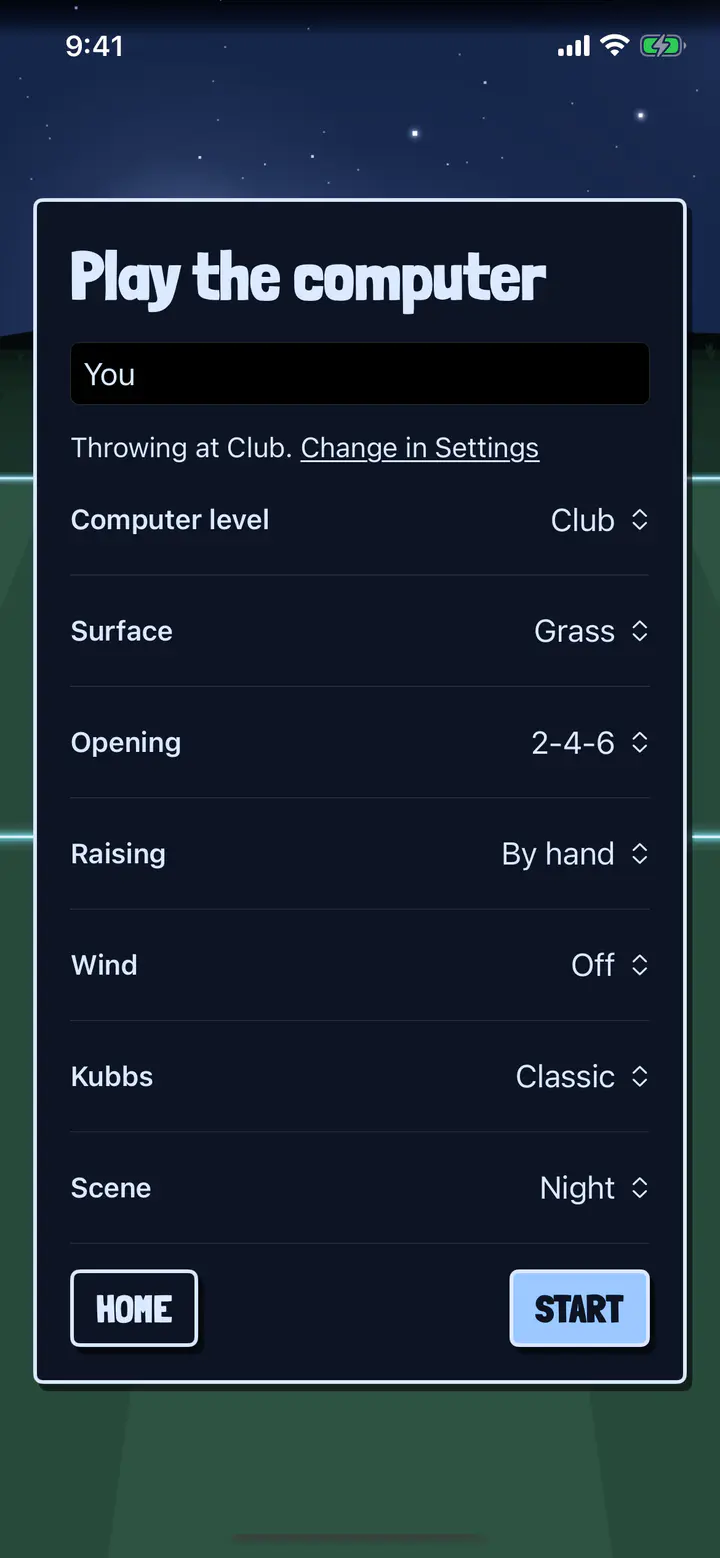
The Scene row #
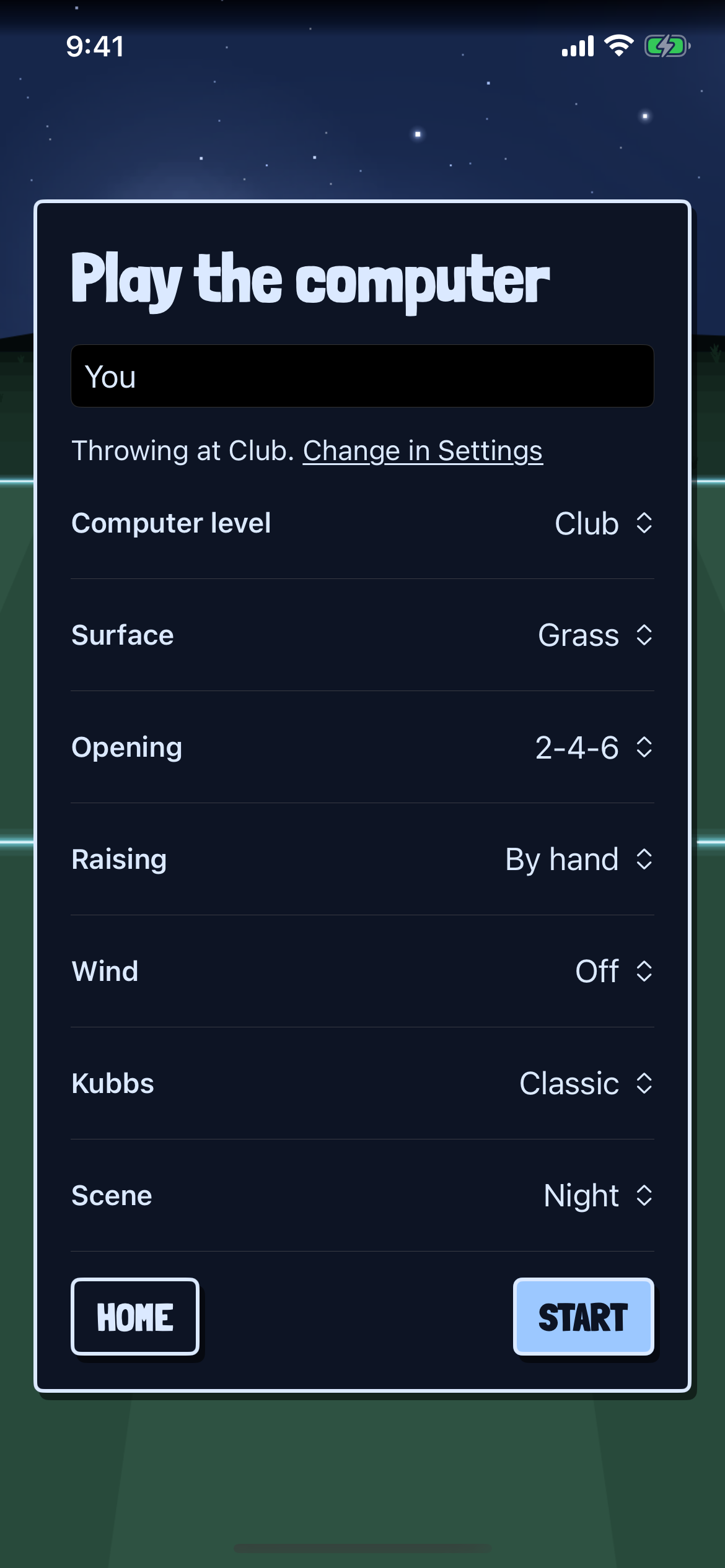
Play the computer, its card dark in the night scene. Scene: Night is the last row, under Computer level, Surface, Opening, Raising, Wind and Kubbs.
Settings and watching, in version 0.5 #
Captures of the app in the iOS simulator on an iPhone 16e, from the pictures its repository keeps for review, on the night of November 20, 2026, from version 0.5 on the app’s main branch, which is in no TestFlight build yet. Maple, Rowan and Birch are the pictures’ own names, and the open pitches were made up for them.
-
The Settings card #
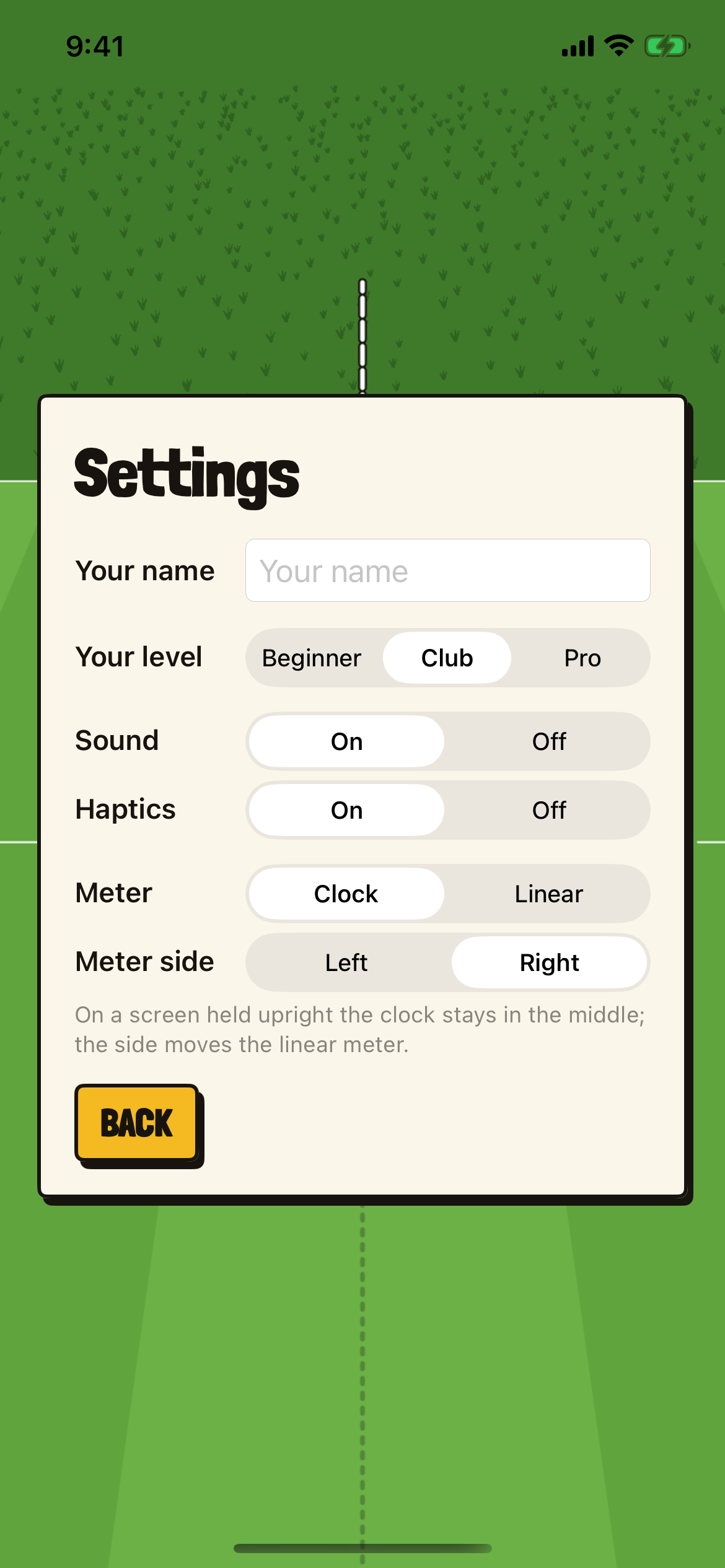
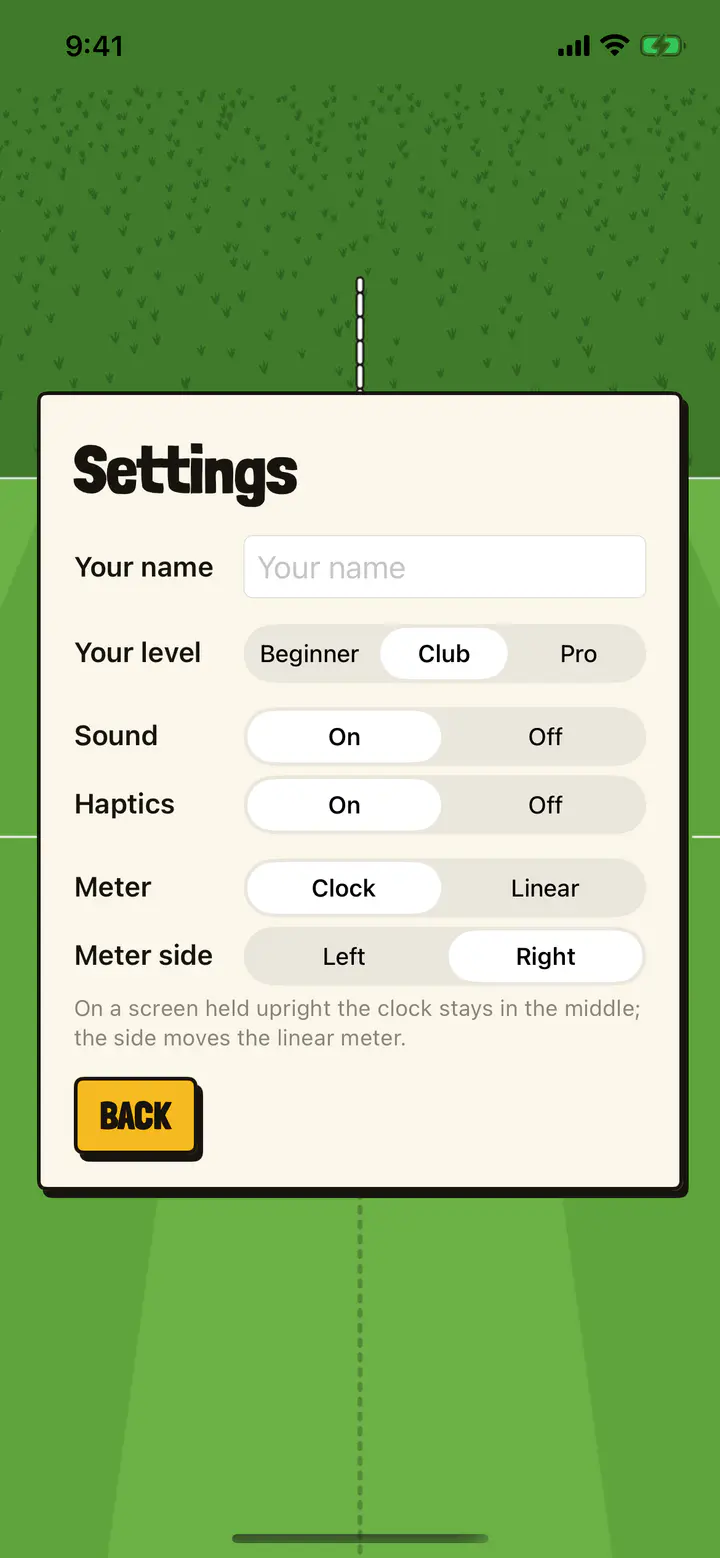
Settings, from home: Your name, Your level (Beginner, Club or Pro), Sound, Haptics, Meter (Clock or Linear) and Meter side, with “On a screen held upright the clock stays in the middle; the side moves the linear meter.” and BACK.
-
Open games #
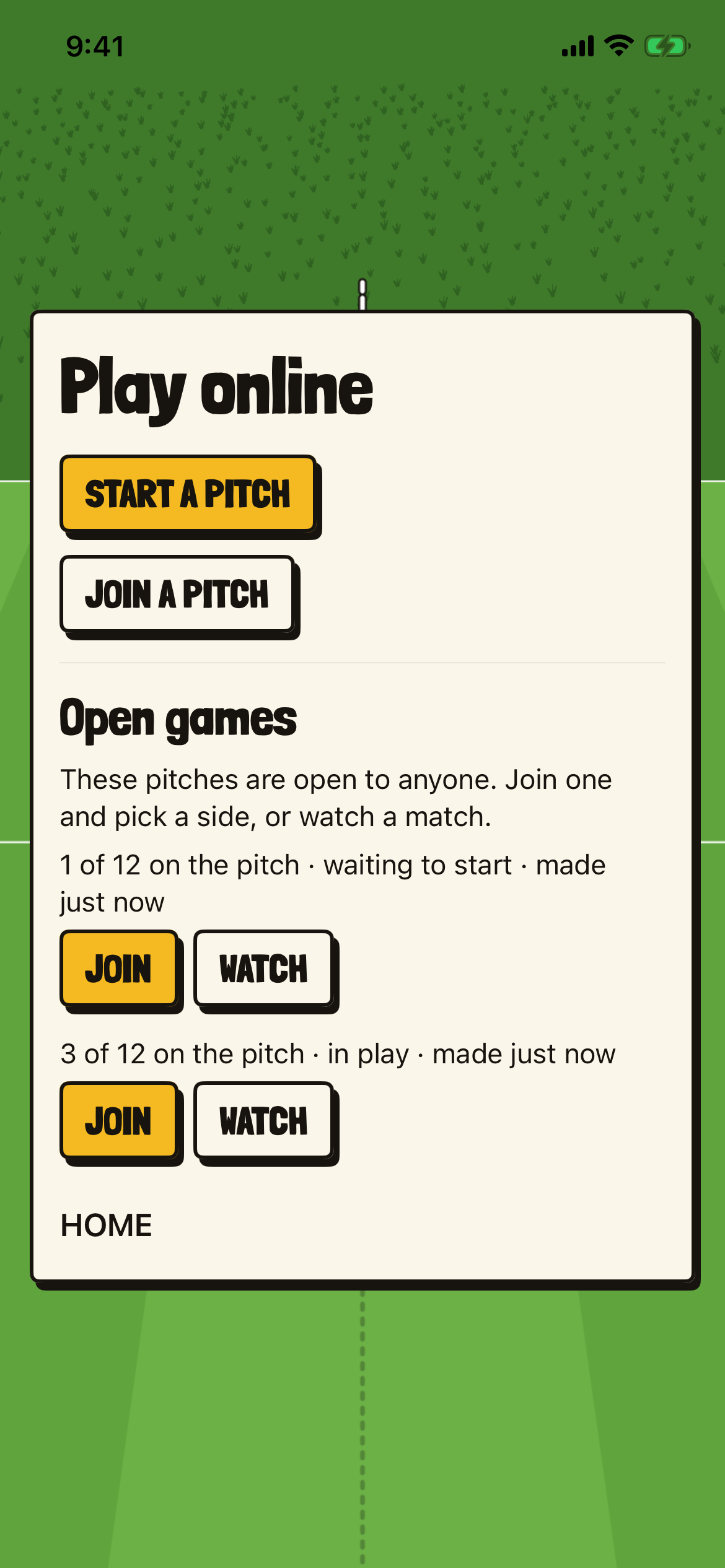
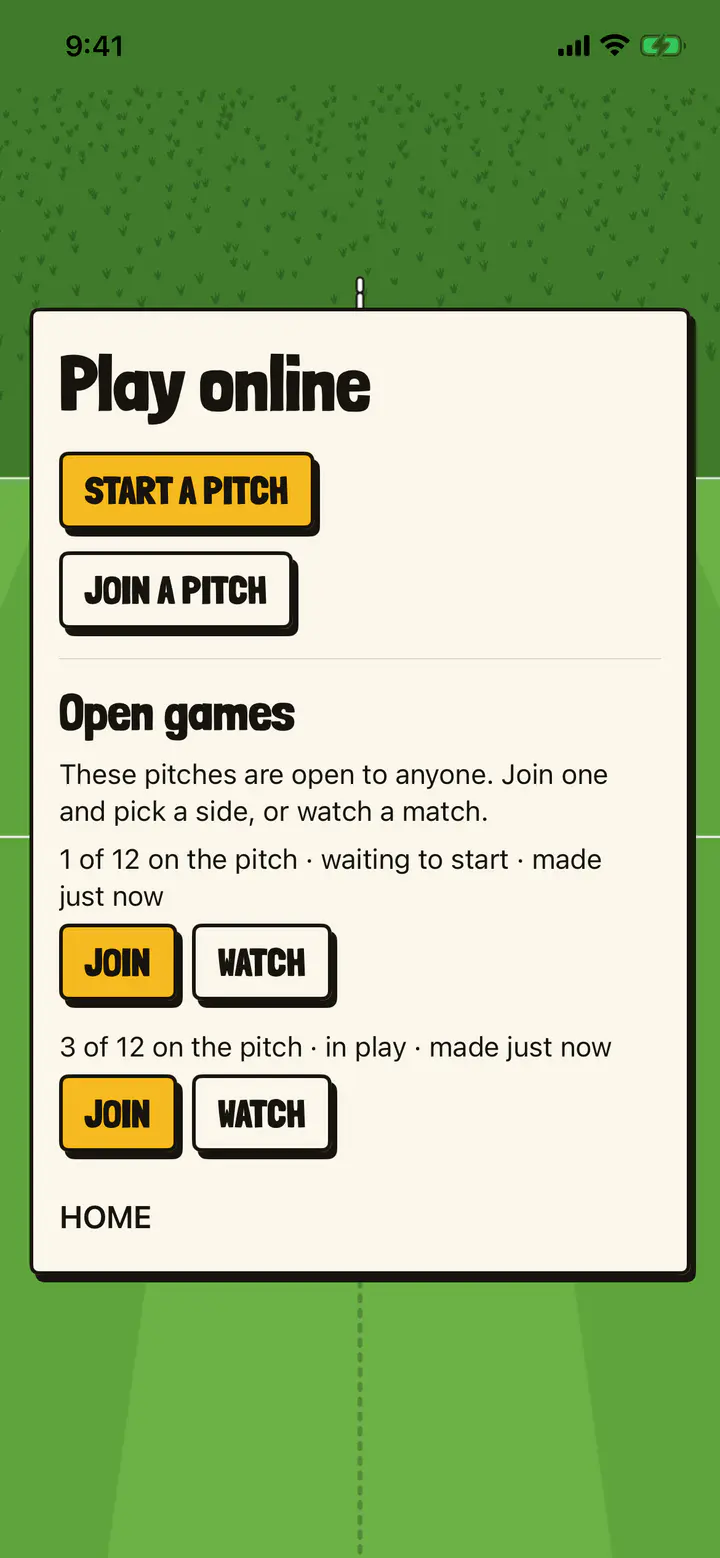
Play online: START A PITCH and JOIN A PITCH, then Open games, “These pitches are open to anyone. Join one and pick a side, or watch a match.”, with two pitches, each with JOIN and WATCH.
-
Watching, the view moved #
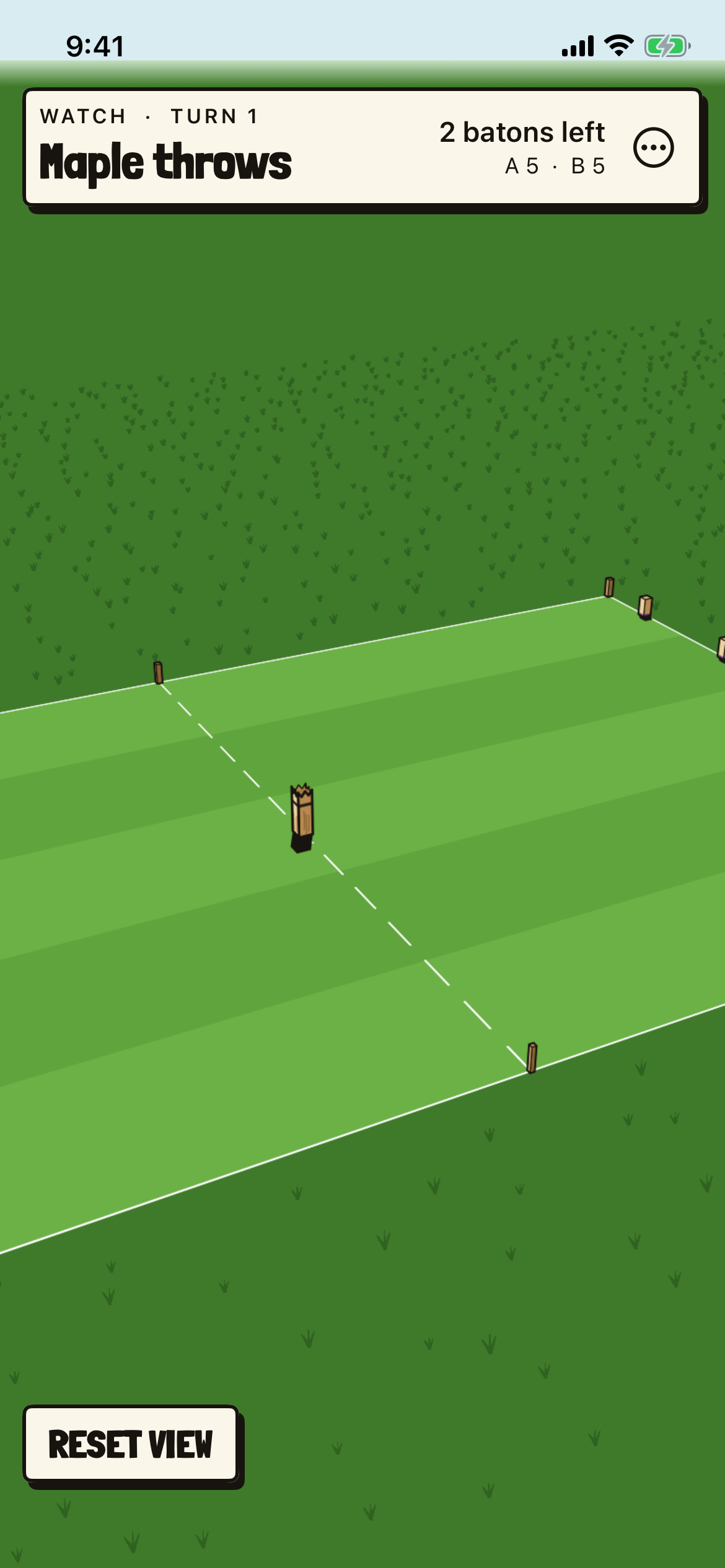
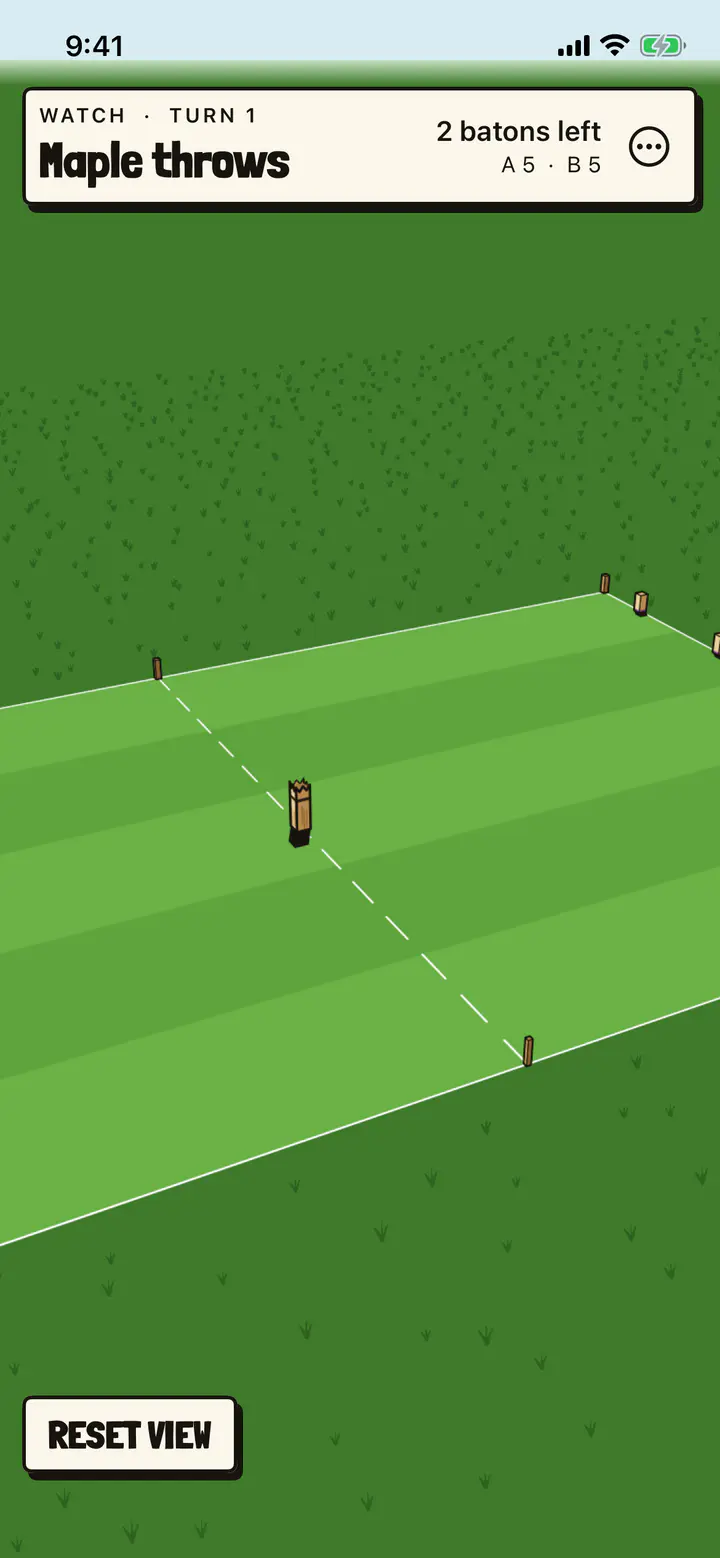
Turn 1, “Maple throws”, watched after the view has been turned, lowered and brought closer. RESET VIEW is low on the left.
-
The watcher’s card #
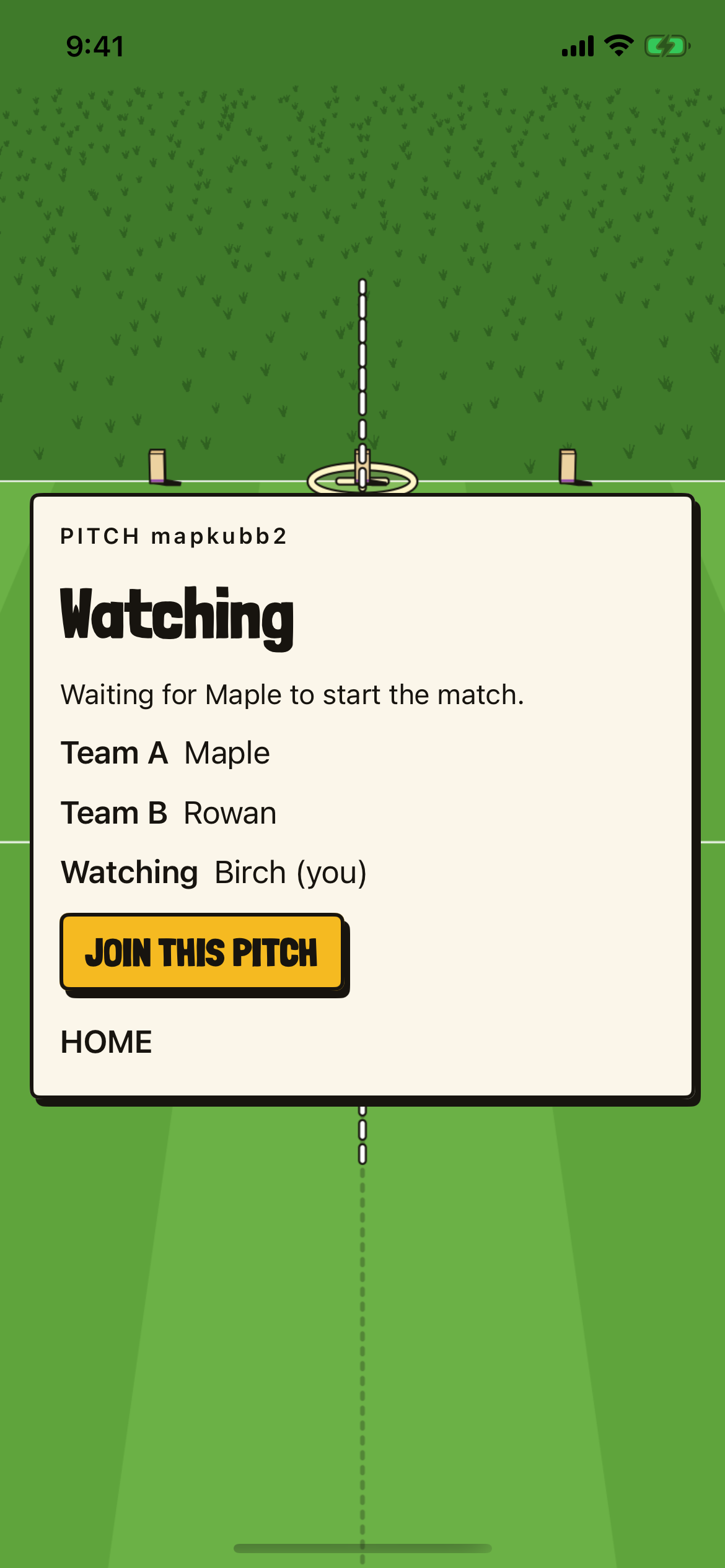
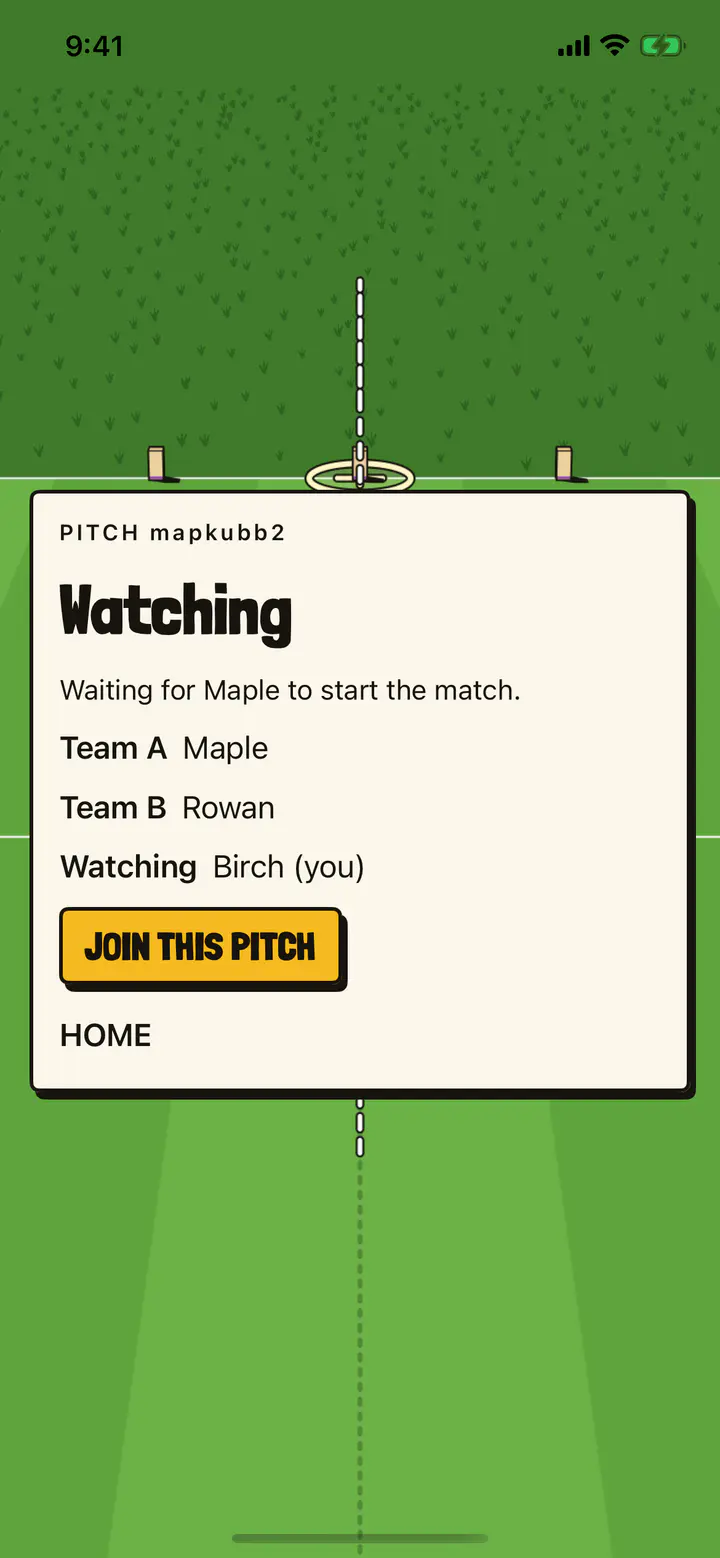
Between matches: Watching, “Waiting for Maple to start the match.”, Team A Maple, Team B Rowan, Watching Birch (you), then JOIN THIS PITCH and HOME.